
Filer Usecase
A Study Folder That Writes Its Own Flashcards
A Filer folder agent turns a textbook chapter into study material — drop the chapter into your study folder and a flashcard deck and a quiz sheet appear next to it, every card taken from the text.
- File event
- Chat
What you get
Making flashcards is the part of studying that eats the studying. The web generators that do it for you want the chapter uploaded first — a copyrighted textbook, on someone else’s server, paid per deck or per month.
A Filer folder agent does it where the chapter already is. When a chapter lands in your study folder, the agent reads it and writes two files beside it: a tab-separated deck (front, back, tags — the format Anki imports directly) and a quiz sheet with the same cards as numbered questions, each labelled with the section it came from. The chapter itself is never modified.
How to do it
The chapter in the screenshots is a public-domain text — Chapter III of Darwin’s On the Origin of Species, about 35,000 characters — standing in for a textbook that could not be shown.
Needs: a folder at the Standard trust level. No plugin required.
What it needs
- A Filer folder at the Standard trust level or above — the agent has to be allowed to create files (it never modifies or deletes any)
- A capable AI model — card quality follows the model, so a stronger model (your own AI server or a cloud provider) gives more reliable cards than the small bundled one
- A chapter file the agent can read: text, PDF or an office document, up to about 40,000 characters (roughly a single textbook chapter)
About the trust level: a new Filer folder starts at Productive, which already lets the agent write the two files. At Cautious it asks before creating each one, and at Sandbox it can read the chapter but not create anything, and says so in its Activity entry.
Try it yourself
Download sample files for this walkthrough and follow the steps below on your own computer.
- your-folder — an empty study folder to turn into a Filer
- add-these-later — the public-domain chapter used on this page (Darwin, On the Origin of Species, Chapter III)
- instructions.txt — the folder's instructions, the same text as below
A chapter lands in the study folder
The folder
Study\Biologyhas one instruction file. A chapter arrives as a plain text file; the same instruction covers PDFs. Nothing else is set up — no template, no card format to configure.Instruction
When a new chapter file (.txt or .pdf) arrives in this folder: 1. Read the whole chapter. 2. Write <basename>.flashcards.tsv next to it: tab-separated, three columns (front, back, tags), no header, one fact per card, 15 to 30 cards. The tag is the chapter file's basename. 3. Write <basename>.quiz.md next to it: the same cards as a numbered Q/A list, each with the section heading it came from. 4. Never modify the chapter file. Never create any other file. 5. If the tool says the document was truncated, write "TRUNCATED: <the tool's notice>" as the first line of the quiz file and make cards only from the text you actually read.
Before: one chapter in the folder, the agent about to start. The agent reads the chapter and writes the deck
One run, a couple of minutes: the agent read the whole chapter, wrote the deck, wrote the quiz, and reported what it had made. The Activity view, filtered to this folder’s agent, shows the run.
Activity, filtered to this folder’s agent: the run that produced the deck and the quiz. What the agent reported back when the run finished Done. Read `chapter03-struggle-for-existence.txt` in full (no truncation) and created both files: chapter03-struggle-for-existence.flashcards.tsv — 31 cards (front, back, tags) · chapter03-struggle-for-existence.quiz.md — the same 31 cards as a numbered Q/A list, each labelled with its section headingTwo new files, the chapter untouched
chapter03-struggle-for-existence.flashcards.tsvholds 31 cards, every row three columns, every tag the chapter’s file name — it imports into Anki as-is.…quiz.mdlists the same 31 as numbered questions with their section. The chapter file’s size and timestamp are unchanged: the agent read it, it did not touch it.After: the deck and the quiz next to the chapter. The first entry of the generated quiz sheet 1. **Section: Preliminary Remarks on Natural Selection** **Q:** In what wide sense does Darwin use the term "struggle for existence"? **A:** In a large, metaphorical sense: it includes dependence of one being on another, and not only the life of the individual but success in leaving progeny.
What this run does and does not show
The agent reads a document up to about 50,000 characters in one go; a longer chapter is cut at that point and the cards then come from the first part only. Keep the unit at a chapter, not a book — roughly 40,000 characters or less. Extracting a chapter’s worth of concepts is the kind of task where a small model finishes but gets definitions wrong, so a stronger model is the recommendation, not a nicety.
The cards are the model’s reading of the text — every card in this run traced back to the chapter, but the count may drift a little from what the instruction asks for. The quiz sheet exists so you can check the deck in a minute before importing it — read it.
The screenshots and outputs on this page come from a real run of Filer, not a mockup.
Where else this applies
The same shape works wherever reading material accumulates and a derived study artefact is wanted:
- Lecture slides and handouts — export the deck per lecture; the tag is the file name, so a semester’s decks stay separable in Anki.
- Certification study guides — one folder per exam domain; each chapter that lands becomes its own deck and quiz, reviewed before import.
- Papers you are reading for a course — the same instruction with "key claims and definitions" instead of facts; the quiz sheet becomes a reading check.
Other ways in
A file landing in the folder is the trigger here, but the same material can be worked other ways once the folder is set up.
- Right-click
- — there is no flashcards action yet. The Document Essentials plugin’s Q&A and Explain actions give you a one-off question set or explanation for a selected file; a deck comes from the folder instruction or from chat.
- Chat
- — ask the folder directly: “make 20 flashcards from chapter 3 as a TSV”. The chat panel is scoped to the folder you are standing in and can write the file for you.
- Other automation triggers
- — a schedule instead of a file event: rebuild “this week’s cards” every Sunday from whatever chapters arrived.
- Other integrations
- Not shown in this walkthrough.
More usecases
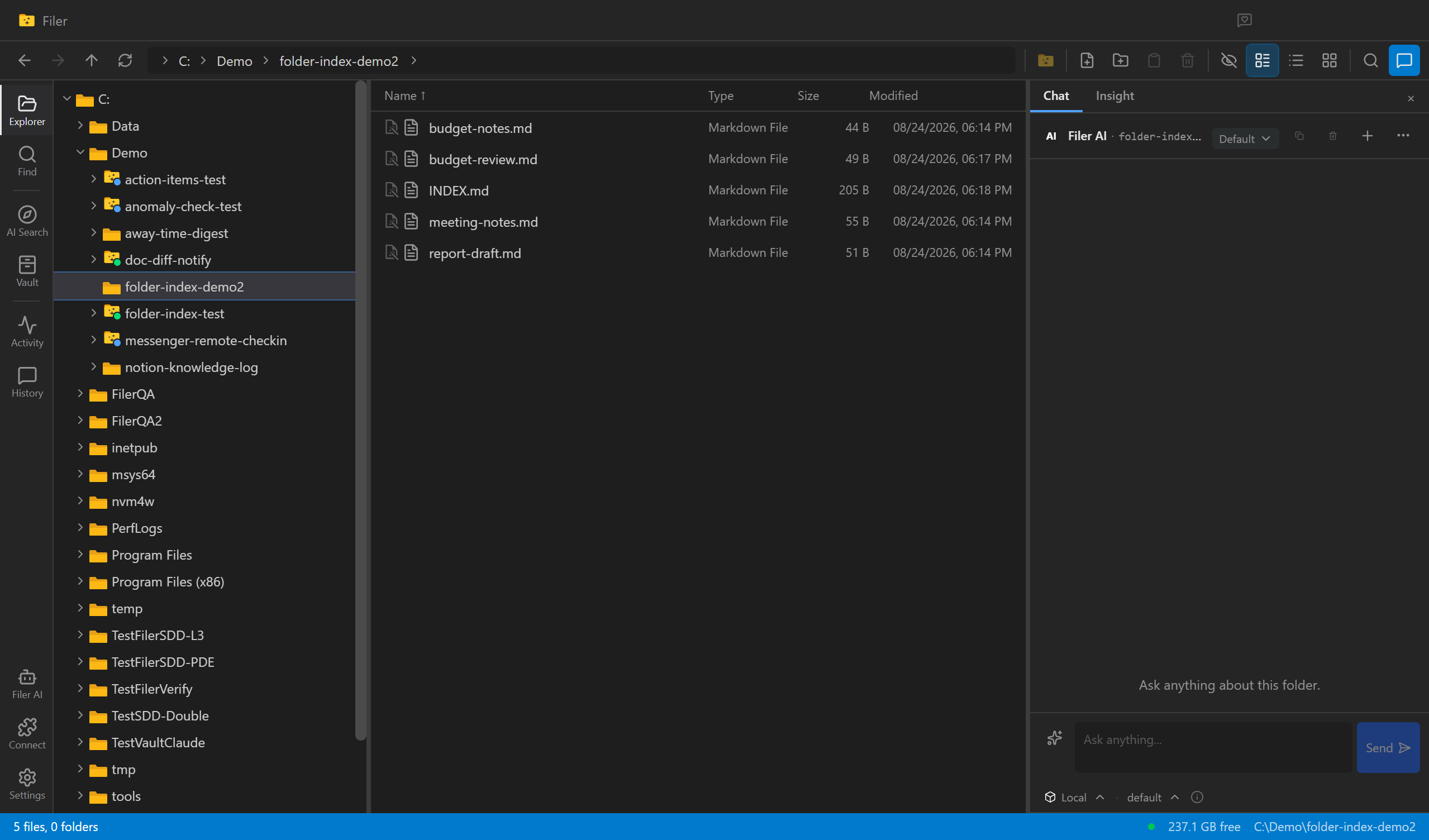
An Index That Never Goes Stale
A Filer folder agent notices when a file is added or changed and rewrites the folder's own INDEX.md to match — nobody has to remember to update it.
- File event
- Chat
- Right-click
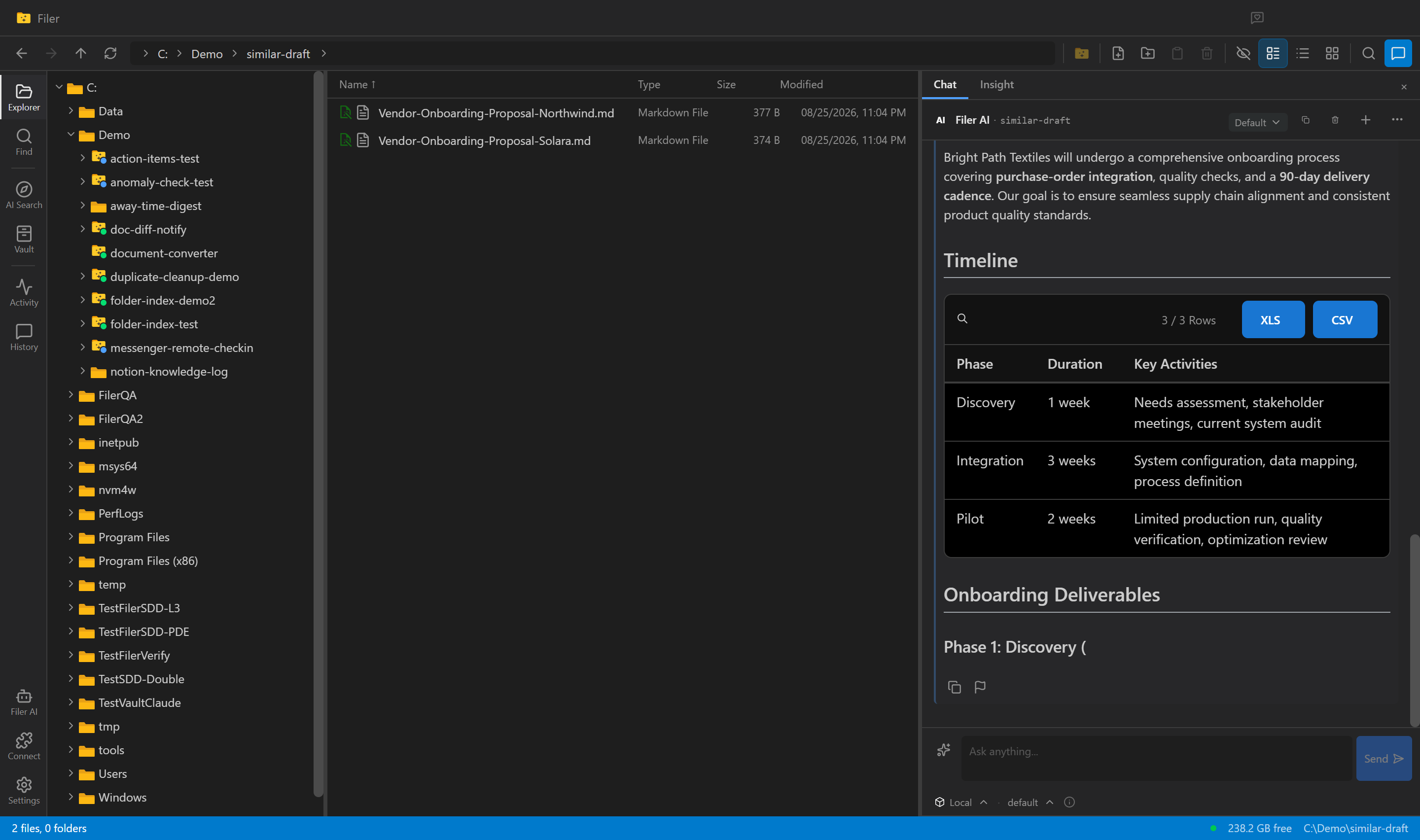
Stop Starting From a Blank Page
Ask a Filer folder agent for a new report or proposal and it searches your own past work for similar cases, then drafts a first version grounded in what you've already written.
- Chat
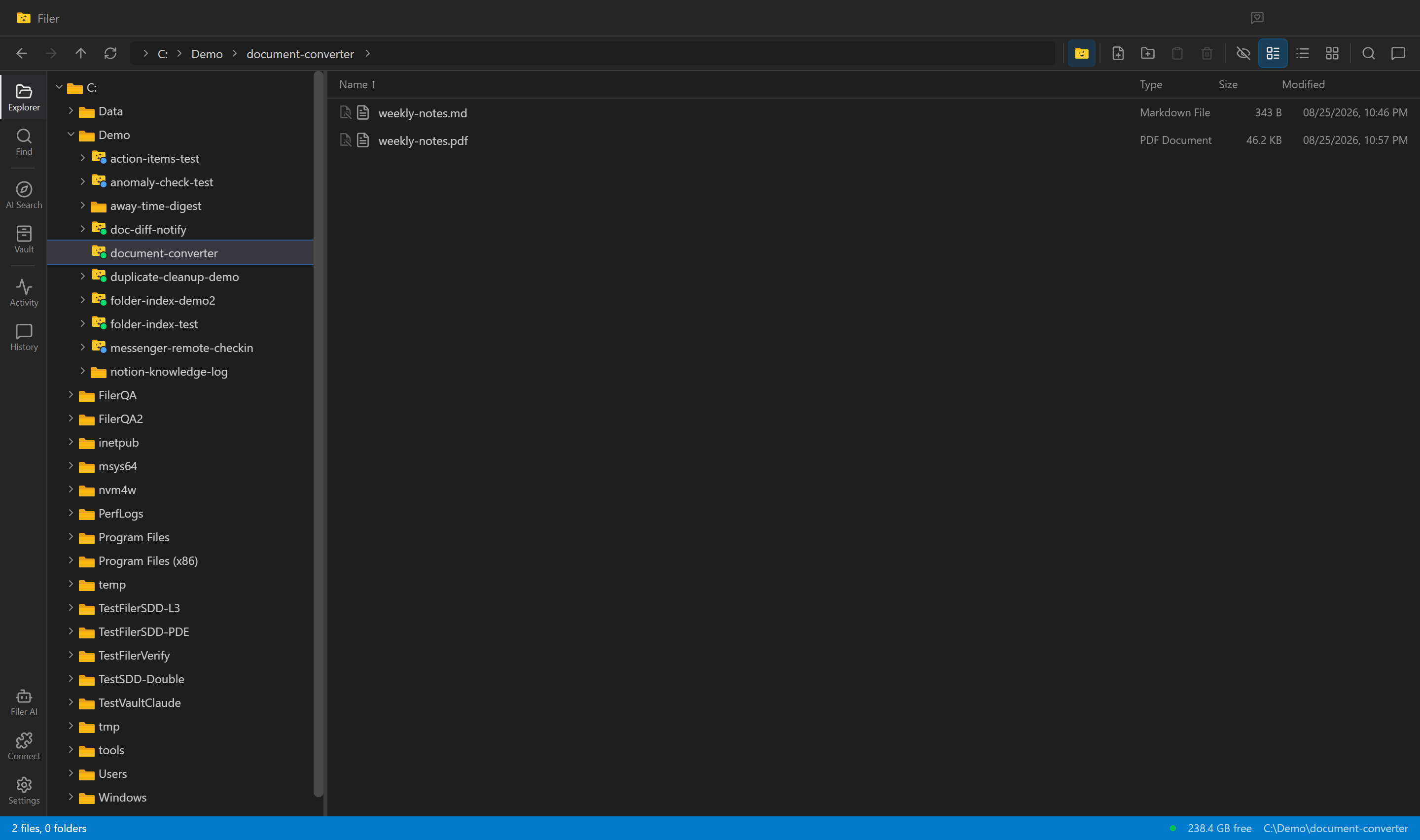
Every New Draft, Already a PDF
A Filer folder agent notices a new document, converts it to PDF on its own, and leaves a clean, shareable file sitting right next to the original.
- File event
- Chat
- Right-click
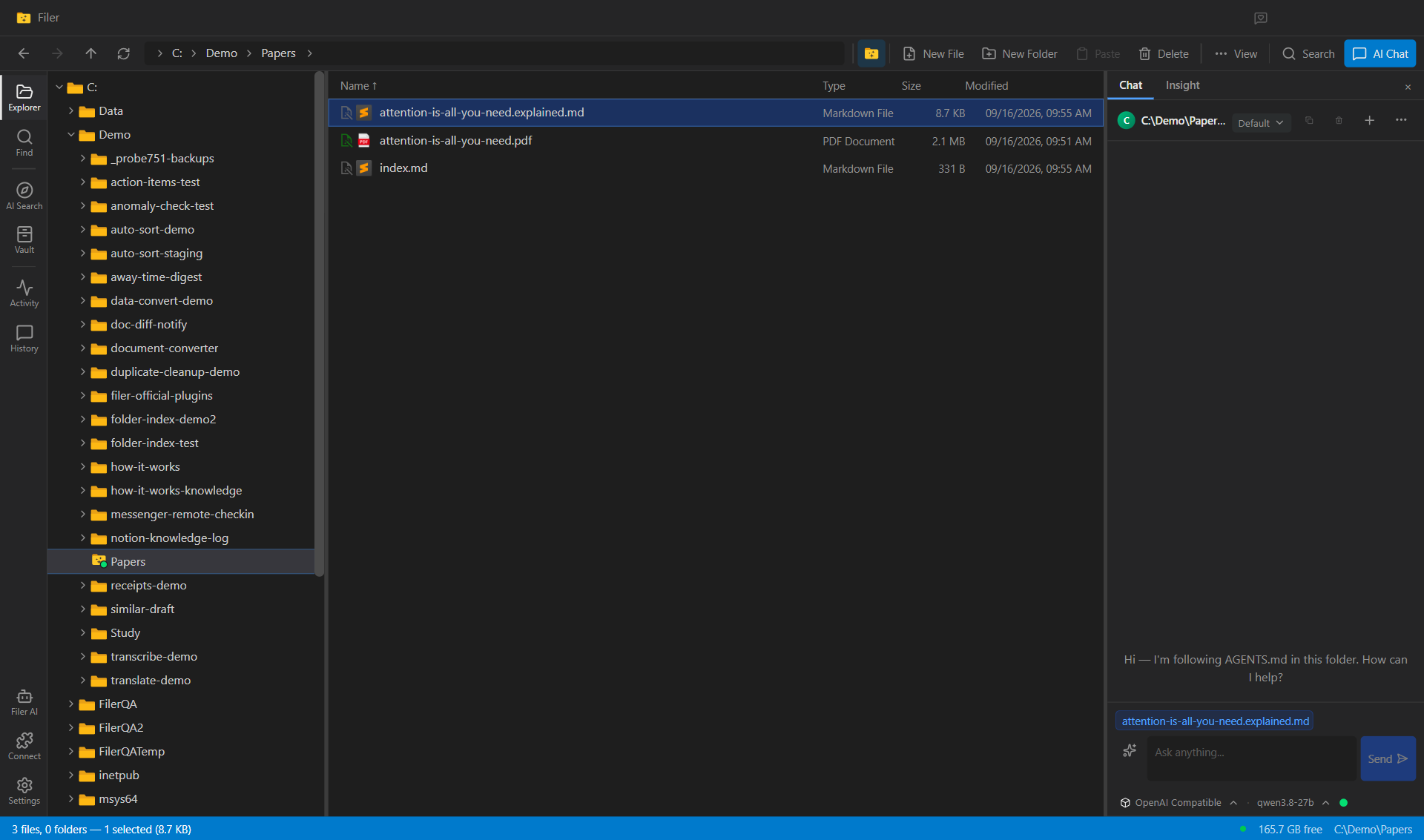
A Three-Level Explanation for Every Paper That Lands in the Folder
A Filer folder reads each research paper you drop in and writes an explanation next to it — for a ten-year-old, an undergraduate and a fellow researcher — plus five key terms and the one question the paper answers. The paper is untouched and nothing is uploaded.
- File event
- Chat