
Filer Usecase
An Index That Never Goes Stale
A Filer folder agent notices when a file is added or changed and rewrites the folder's own INDEX.md to match — nobody has to remember to update it.
- File event
- Chat
- Right-click
What you get
A folder that keeps accumulating files — drafts, exports, handoffs — is only as useful as your memory of what's in it. A hand-written index is a good idea for about a week, then it's one file behind, then it's not trusted at all.
Point a Filer folder at itself instead. Its agent wakes up on every file change, looks at what's actually there, and rewrites INDEX.md from scratch — so the index describes the folder as it is right now, not as it was when someone last remembered to update it.
How to do it
Screenshots below are from a real run, using placeholder notes in place of real documents.
Needs: a trust level that allows the agent to create and edit files in the folder. No plugin required.
What it needs
- A Filer folder with a trust level that allows file-triggered runs and letting the agent create/edit files
- No plugin for the trigger path — this one runs on Filer's own built-in file tools. The one-shot right-click version needs the Folder Tools plugin instead (install from Connect)
- An inference endpoint — Local AI, Frontier AI (API key), or a local LLM server
Tip: if you want every file type covered, say so explicitly in the folder's instructions ("any file," not just "a file") — a vague instruction can compile into a narrower trigger than you meant.
Try it yourself
Download sample files for this walkthrough and follow the steps below on your own computer.
- your-folder — three short notes, no index yet
- add-these-later — one more note; dropping it in is what makes the folder write INDEX.md
- instructions.txt — the folder's instructions, also shown here
The folder's instructions
# Folder index Whenever a file is added to this folder: - Look at the folder's current contents. - Write a short description (one line) of each file into `INDEX.md`, one bullet per file: `- <file name>: <description>`. - Overwrite `INDEX.md` each time, never append. Do not list `INDEX.md` itself.
A folder with a few files, no index yet
A short instructions file already in place tells the agent what to do whenever a file shows up: look at the folder's current contents and write a short description of each one into INDEX.md, overwriting it each time rather than appending.
A new file lands, the index rewrites itself
Adding a file is the trigger — no one has to ask. The agent lists the folder again, reads each file, and writes a fresh INDEX.md covering every file that's actually there.
What INDEX.md actually says - budget-notes.md: Q4 budget review meeting notes covering marketing spend, hiring plan, and vendor renewals. - budget-review.md: Follow-up notes on the Q4 budget review meeting: two decisions and three open questions. - meeting-notes.md: Agenda for the upcoming planning sessions and who presents what. - report-draft.md: First draft of the quarterly operations report.
The screenshots and outputs on this page come from a real run of Filer, not a mockup.
Where else this applies
The mechanism is generic — watch a folder, look at what's actually in it, write a description that matches. Any folder that accumulates files nobody re-reads to summarize is a fit, not just a notes folder:
- Downloads folder — an always-current list of what actually landed there, instead of scrolling filenames to figure out what's new.
- A shared drop folder — several people adding files to the same place, one file that tells everyone what's actually there right now.
- A project archive — versioned exports piling up over months, kept legible without anyone maintaining an index by hand.
- On a schedule instead — a folder that changes too often to trigger on every single event can instead regenerate INDEX.md once a day on a schedule, the same read-and-write sequence just run on a timer rather than on a file change.
- Notify instead of only writing — connect the same folder's Telegram or Slack plugin and have the agent send a short "index updated, N new files" message alongside rewriting INDEX.md, the same notify pattern the scheduled-report and doc-diff-notify cases already use.
Other ways in
- Right-click
- There's also a one-shot right-click path that doesn't need any of the setup above: the bundled Folder Tools plugin's Generate Index action builds the same kind of index for a folder you select, once, with no trigger and no standing agent — useful for a folder you don't want to turn into a full Working Agent for.
- Chat
- The walkthrough above shows the trigger path — a file lands, the agent notices on its own, nobody asks. The same rewrite is one chat message away too: open the folder's chat and ask something like "What's in this folder right now?" or say "regenerate INDEX.md," and the agent runs the identical list-the-folder-and-describe-each-file sequence on demand instead of on a trigger.
- Other automation triggers
- Not shown in this walkthrough.
- Other integrations
- Not shown in this walkthrough.
More usecases
Part of a guide: A folder that keeps itself in order: filing, indexing, and spotting near-duplicates
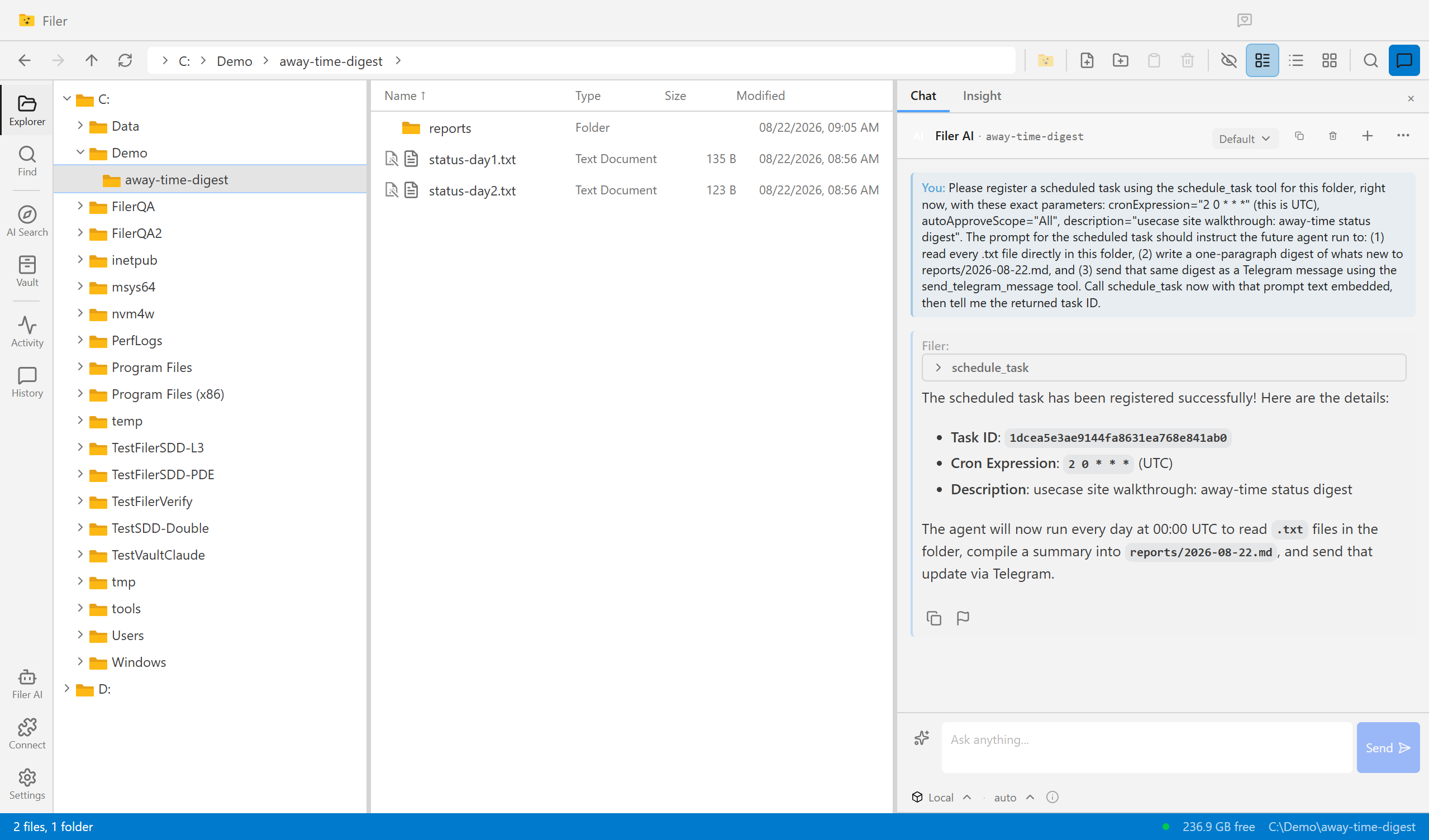
Come Back To an Answer, Not a Backlog
A Filer folder agent wakes up on its own schedule, reads what piled up while you were away, and sends you the digest — before you've even opened the app.
- Schedule
- Chat
Know What Changed, Without Reading It Twice
A Filer folder agent notices the moment a new contract or policy version lands, diffs it against the one it replaces, and sends you what actually changed.
- File event
- Chat