
Filer Usecase
Know What Changed, Without Reading It Twice
A Filer folder agent notices the moment a new contract or policy version lands, diffs it against the one it replaces, and sends you what actually changed.
- File event
- Chat
What you get
A new version of a contract or policy document arrives, and nobody has time to line it up against the old one paragraph by paragraph. Most of the time it slides by unread — until a clause that quietly changed turns into a problem weeks later.
Point a Filer folder at where these documents land instead. The moment a new version file shows up, its agent wakes on its own, reads both versions in full, and sends you a plain-language summary of what's different — before you've even opened the folder.
How to do it
Screenshots below are from a real run, using a synthetic two-version policy document in place of a real contract.
What it needs
- A Filer folder set to Full Auto, so it sends while you are away — below Full Auto each send waits for your approval, and a run nobody answers within two minutes finishes without sending
- A messenger plugin connected — Telegram here, Slack works the same way — and allowed for the folder if it limits its plugins (Filer AI › the folder › Plugins & Skills)
- An inference endpoint — Local AI, Frontier AI (API key), or a local LLM server
- New versions arrive as separate files (e.g. a "v2" alongside "v1") rather than overwriting the original in place
Try it yourself
Download sample files for this walkthrough and follow the steps below on your own computer.
- your-folder — the current version of the policy used on this page
- add-these-later — its revised version; dropping it in is what makes the folder compare the two and message you
- instructions.txt — the folder's instructions, also shown here
The folder's instructions
# Policy revisions This folder holds versions of one policy document (`policy_v1.md`, `policy_v2.md`, …). When a new version of the document arrives: 1. Find the previous version it replaces. 2. Read both versions in full. 3. Summarize what changed between them — each change on its own line, grouped by section. 4. Send that summary to me on Telegram.
Start with the version everyone has
A folder holds the current policy document, with a short instructions file already in place: when a new version shows up, find the one it replaces, read both in full, and send a summary of the differences over Telegram.
Drop in the new version
A revised version of the same document arrives as a new file next to the old one — exactly how a contract or policy revision actually shows up in practice. Nobody has to open Filer or ask it anything; the file landing is the trigger.
It reads, compares, and tells you
The new file's arrival wakes the folder's agent on its own. It finds the prior version, reads both start to finish, works out what changed, and sends the summary to Telegram — no one has to ask. Filer's own activity log shows which steps ran and how long the run took.
What the change summary actually said 📋 Policy change summary: Remote Work Policy v1 → v2 1. Eligibility - Added probation exception: probation employees are excluded until they complete 3 months. 2. Application - Request method changed: email to manager → internal HR system. - Advance notice shortened: 3 days → 1 day. 3. Working hours - Core hours extended: 10:00–15:00 → 10:00–16:00. - Outside core hours: "schedules follow the team's agreement" → "flexible scheduling is allowed". 4. Equipment - Company now provides a laptop and a monitor (previously laptop only). 5. Security (new section) - Remote employees must connect through the company VPN for all work.
The screenshots and outputs on this page come from a real run of Filer, not a mockup.
Where else this applies
Anywhere a revised document quietly replaces an old one fits the same watch-diff-notify shape:
- Vendor contracts — a renewal comes back with terms nudged, not just a date change.
- Insurance or benefits documents — an annual renewal that changed a deductible or a covered category.
- Vendor terms of service — a SaaS provider's updated terms landing as a PDF nobody reads end to end.
Other ways in
The walkthrough shows a new file's arrival as the trigger. You can get the same comparison without waiting for a new version to land — the agent runs the identical read-both-and-compare step on demand.
- Right-click
- Select both versions and the bundled
Compare Filesaction (from themulti-file-toolsplugin — install it from Connect first) diffs them immediately. It stops at showing the differences, though; it won't send the summary out for you the way this folder's own configured skill does. - Chat
- No trigger or setup needed to ask right now:
"What changed between policy_v1.md and policy_v2.md?" - Other automation triggers
- If new versions don't reliably land as their own file, a schedule can check for one instead of waiting on a file event — the same shape scheduled-report shows.
- Other integrations
- Telegram is one delivery channel — Slack works the same way (swap the plugin, the comparing doesn't change).
More usecases
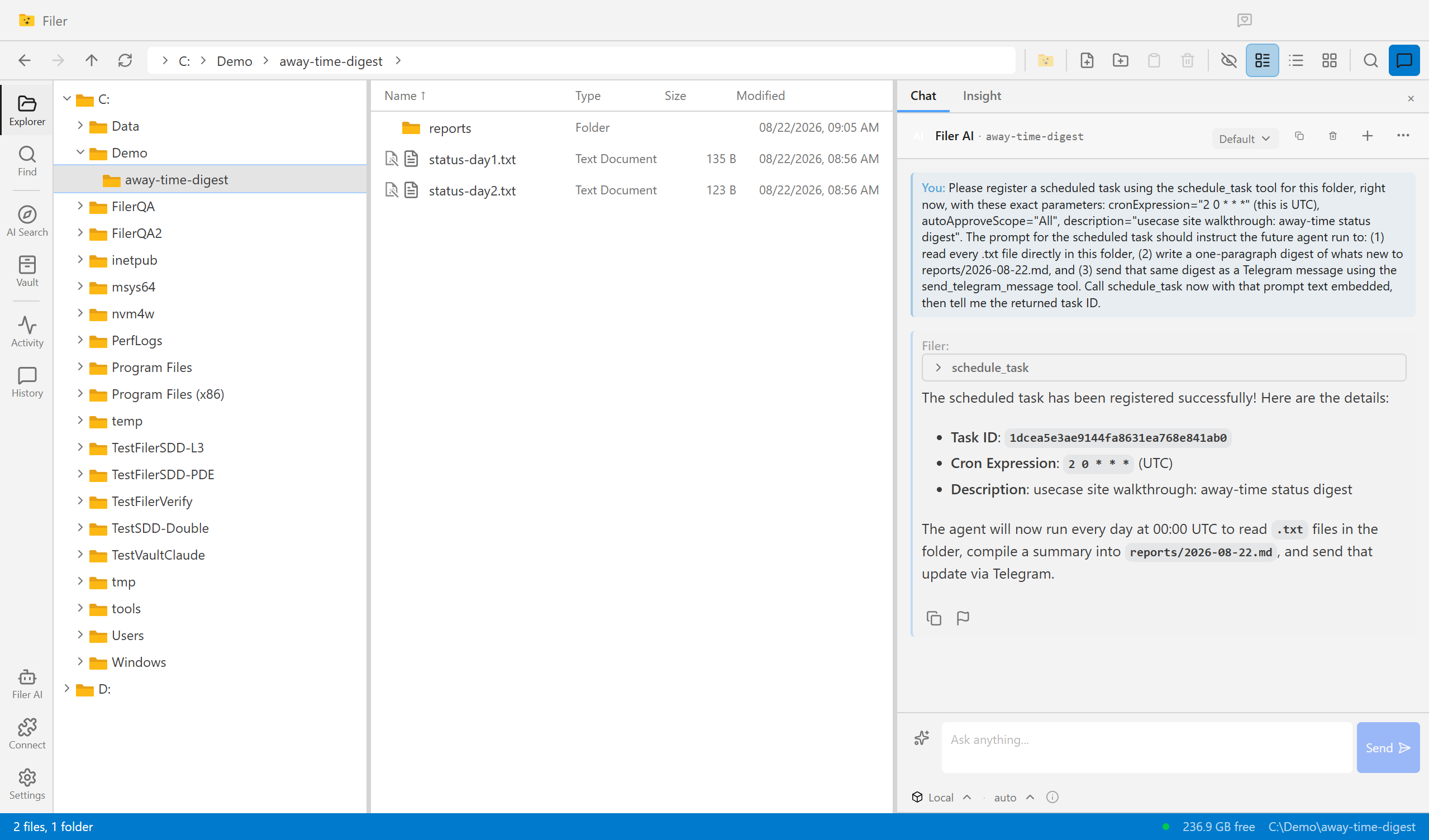
Come Back To an Answer, Not a Backlog
A Filer folder agent wakes up on its own schedule, reads what piled up while you were away, and sends you the digest — before you've even opened the app.
- Schedule
- Chat
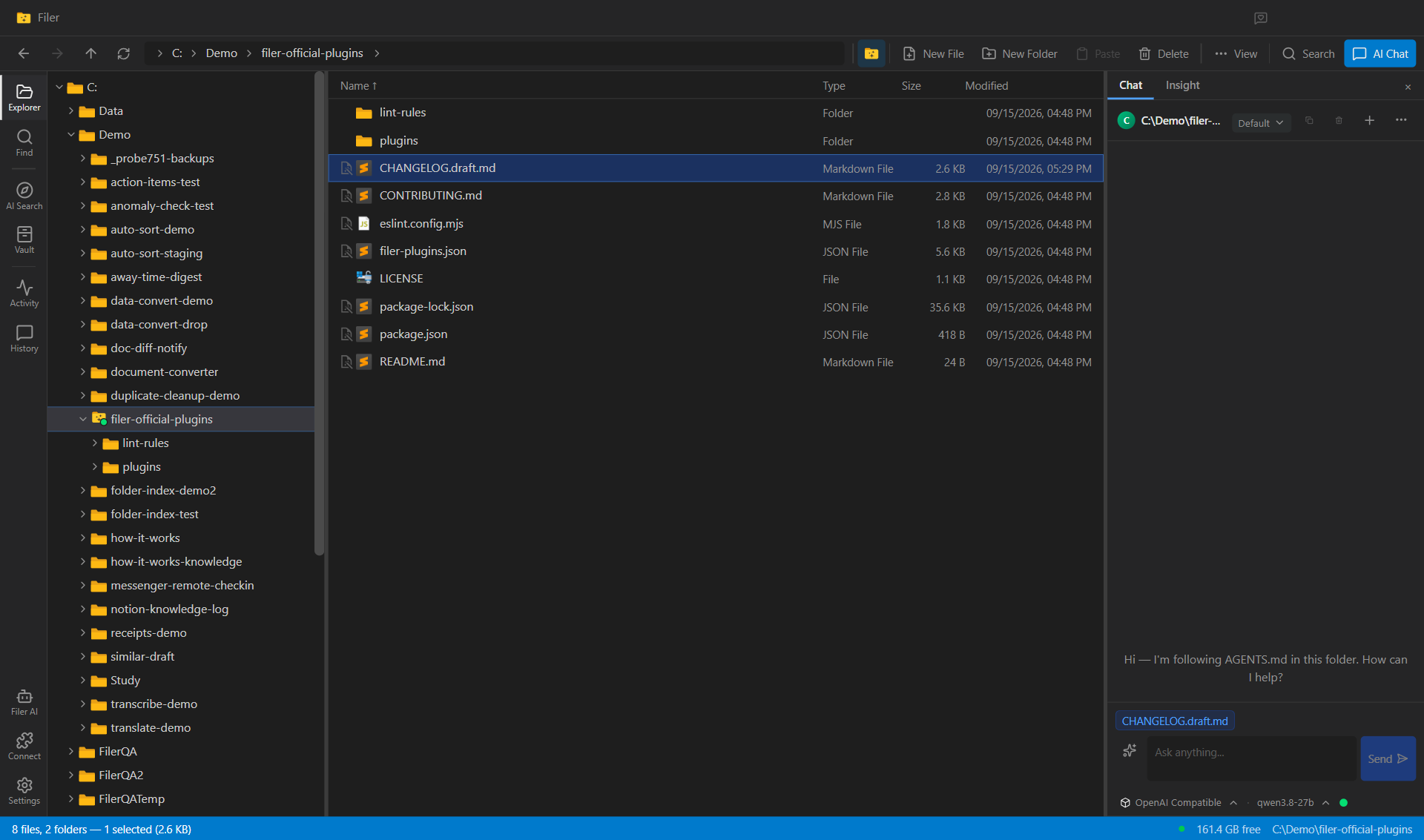
A Changelog Draft Every Week, From the Code Folder Itself
A Filer folder on a code repository reads its own commit history on a schedule and writes a plain-language draft of what changed — grouped the way a release note reads, not the way commits are written.
- Schedule
- Chat