
Filer Usecase
A Changelog Draft Every Week, From the Code Folder Itself
A Filer folder on a code repository reads its own commit history on a schedule and writes a plain-language draft of what changed — grouped the way a release note reads, not the way commits are written.
- Schedule
- Chat
What you get
Release notes get written last, by someone reading a week of commit messages and translating "fix(auth): null token on refresh" into a sentence a customer would understand. It is the kind of work that slips — and when it slips, the changelog says "various fixes".
Point a Filer folder at the repository instead. On a weekly schedule the folder's agent reads the commits made since its last draft, sorts them into New, Fixed, Changed and Internal, writes each one from the user's point of view, and puts the section at the top of a draft file for you to polish. Nothing is committed, nothing else in the repository is touched, and a week with no new commits produces no section.
How to do it
Screenshots below are from a real run on a clone of a public plugin repository — three weeks of ordinary commits, nothing staged for the demo.
What it needs
- A folder that is a Git repository (or a folder inside one — the agent only sees the history that touches its own folder), at Productive or higher — the level a new folder starts at — so the weekly draft is written without asking
- The Code Analyzer plugin, so the agent can read commit history without a terminal
- An AI model — on this computer or an online AI service
Try it yourself
This one runs on your own files — no sample can stand in for them. Here is what your folder needs:
- A folder that is a Git repository with commits from the last three weeks — any project of your own
- The Code Analyzer plugin, allowed on that folder
- A schedule on the folder named "weekly changelog" (Filer AI › the folder › More › Schedules) — run it once to see the first draft today
The folder's instructions
# Code folder — weekly changelog draft This folder is a Git repository. On the "weekly changelog" schedule, draft a plain-language summary of what changed and put it at the top of CHANGELOG.draft.md. Read the commit history with the tools you have for it; never run git or any other command. When the weekly changelog schedule fires: 1. Find where the last draft ended: if CHANGELOG.draft.md exists, read it and look for the most recent line of the form `<!-- last-commit: <hash> -->`. Commits at or before that hash are already covered. 2. Read this folder's commit history for the last 21 days (newest first). If the draft had a last-commit marker, keep only the commits newer than it. 3. If there are no new commits, write nothing and finish with exactly: "No new commits since the last draft." 4. For a commit whose message does not say what changed for a user (a subject shorter than 20 characters, or one that only says fix / chore / misc / update), read that commit's details and use its message body and the list of files it changed. Do this for at most 10 commits in one run. 5. Write one section in this exact shape: ## Week of <today, YYYY-MM-DD> <!-- last-commit: <full hash of the newest commit in this batch> --> ### New - ... ### Fixed - ... ### Changed - ... ### Internal - ... Put each commit in one group: feat → New; fix → Fixed; refactor, perf, or docs a user would notice → Changed; everything else (chore, build, ci, tests, contributor docs) → Internal. Write every bullet in plain language from the user's point of view, one line each, without commit hashes, without commit-message prefixes (feat:, fix:, chore:), and without file paths unless the file itself is the change (a README, a template). Merge commits that describe the same change into one bullet. Leave out a group that would be empty. 6. Put the new section at the top of CHANGELOG.draft.md, directly under the first line `# Changelog draft` (write the file with that heading first if it does not exist). Keep every earlier section exactly as it was. 7. Never modify any other file in this folder, never delete anything, never create commits.
Give the repository folder its instructions
Turn on Filer AI for the repository folder and write the instructions once: on the weekly changelog schedule, find where the last draft ended, read the commits since, group them, and put a new section at the top of
CHANGELOG.draft.md. The instructions also say what the agent must never do — commit, or change any other file — so the repository stays exactly as your team left it.Instruction (excerpt)
This folder is a Git repository. On the "weekly changelog" schedule, draft a plain-language summary of what changed and put it at the top of CHANGELOG.draft.md. Read the commit history with the tools you have for it; never run git or any other command. When the weekly changelog schedule fires: 1. Find where the last draft ended: if CHANGELOG.draft.md exists, read it and look for the most recent line of the form <!-- last-commit: <hash> -->. 2. Read this folder's commit history for the last 21 days (newest first); keep only the commits newer than the marker. 3. If there are no new commits, write nothing and finish with exactly: "No new commits since the last draft." … 6. Put the new section at the top of CHANGELOG.draft.md. Keep every earlier section exactly as it was. 7. Never modify any other file in this folder, never delete anything, never create commits.
The schedule fires
Every Monday morning the schedule wakes the agent. It reads the draft to see where it stopped, asks for the commits since then, and — because these commits carried real messages — has everything it needs without opening a single diff. A repository with terser commit messages gets the same result; the agent reads the changed files of any commit whose message does not say enough.
A draft that reads like a release note
The new section sits at the top of the draft: each commit of the last three weeks became one line a customer could read, under New, Fixed and Internal — a group with nothing in it (here, Changed) is left out. Run the schedule again before anything new is committed and the agent leaves the file alone and says so.
From the generated CHANGELOG.draft.md ## Week of … ### New — The web-app check can now connect to a browser started by the host instead of always launching its own; hosts without that capability keep the old behavior. ### Fixed — In video compositions, title and outro card text is now sized to fit the frame, and the caption band is translucent instead of solid black. ### Internal — The host-browser test case now runs only under the account profile and skips with a reason where the host cannot provide that.
What the draft is, and is not
It is a draft: the grouping follows the commit messages, so a commit filed under the wrong prefix lands in the wrong group, and a message that says nothing produces a line that says little. Quality follows the model — a stronger model gives more reliable results than the small bundled one. Read it before it becomes the changelog.
The screenshots and outputs on this page come from a real run of Filer, not a mockup.
Where else this applies
Any folder whose history is worth summarising for someone who does not read commits fits the same shape:
- A product repository — the weekly "what shipped" note for support, sales or a customer newsletter.
- A documentation or design-system repository — what changed for the people who consume it, not the people who edit it.
- A monorepo subfolder — a Filer on one package sees only the commits that touched that package.
Other ways in
The walkthrough uses a weekly schedule. The same reading of history works on demand, and the draft can go somewhere other than a file.
- Right-click
- No right-click action yet — use chat.
- Chat
- No schedule or setup needed to ask right now:
"What changed in this folder in the last two weeks?" - Other automation triggers
- A file event can replace the schedule — for example, draft when a tag file or a release note lands in the folder — the same shape doc-diff-notify uses.
- Other integrations
- Add a messenger or Notion plugin and the same section can be posted to a channel or a page instead of, or as well as, the draft file.
More usecases
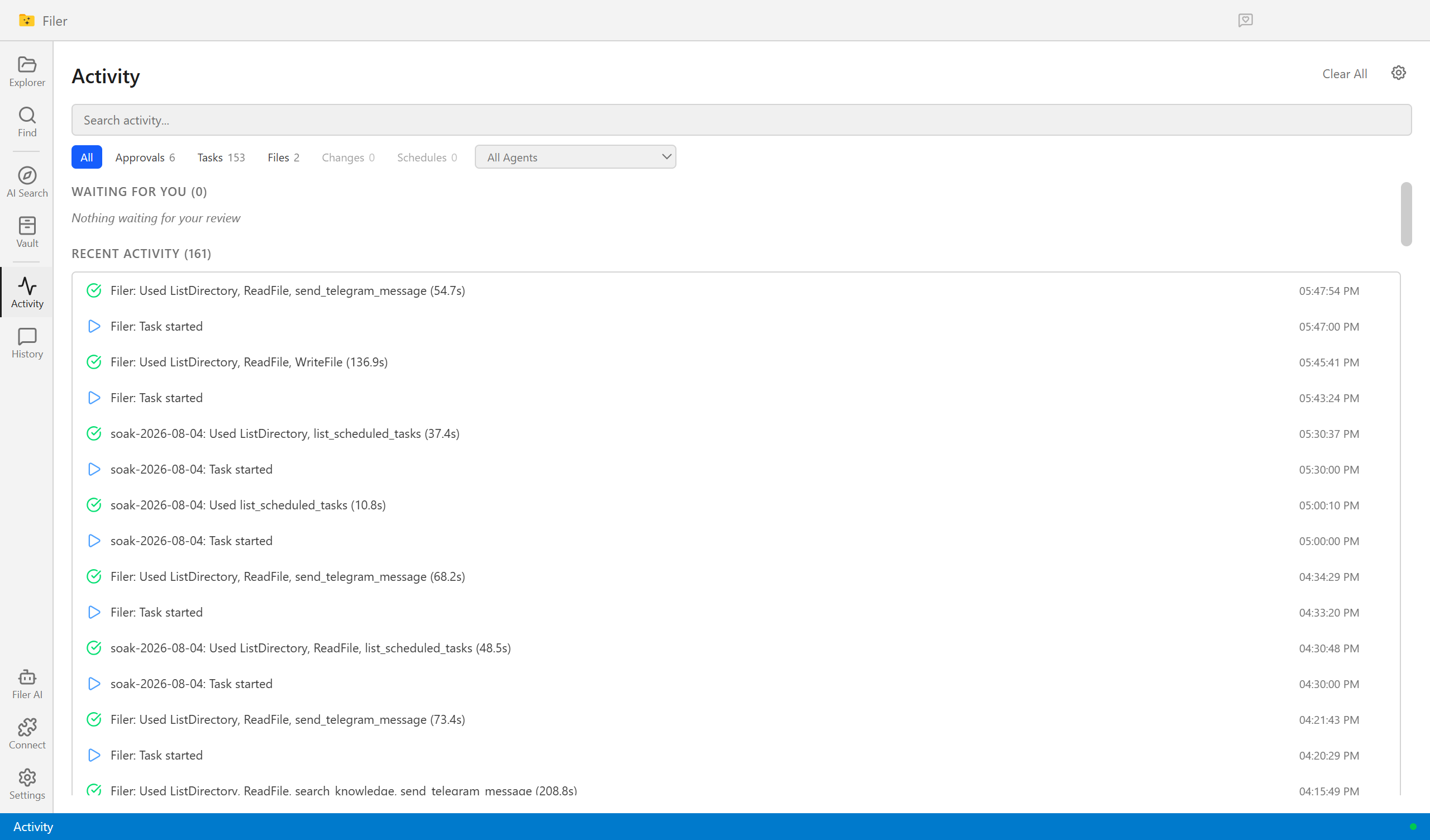
Know What Changed, Without Reading It Twice
A Filer folder agent notices the moment a new contract or policy version lands, diffs it against the one it replaces, and sends you what actually changed.
- File event
- Chat
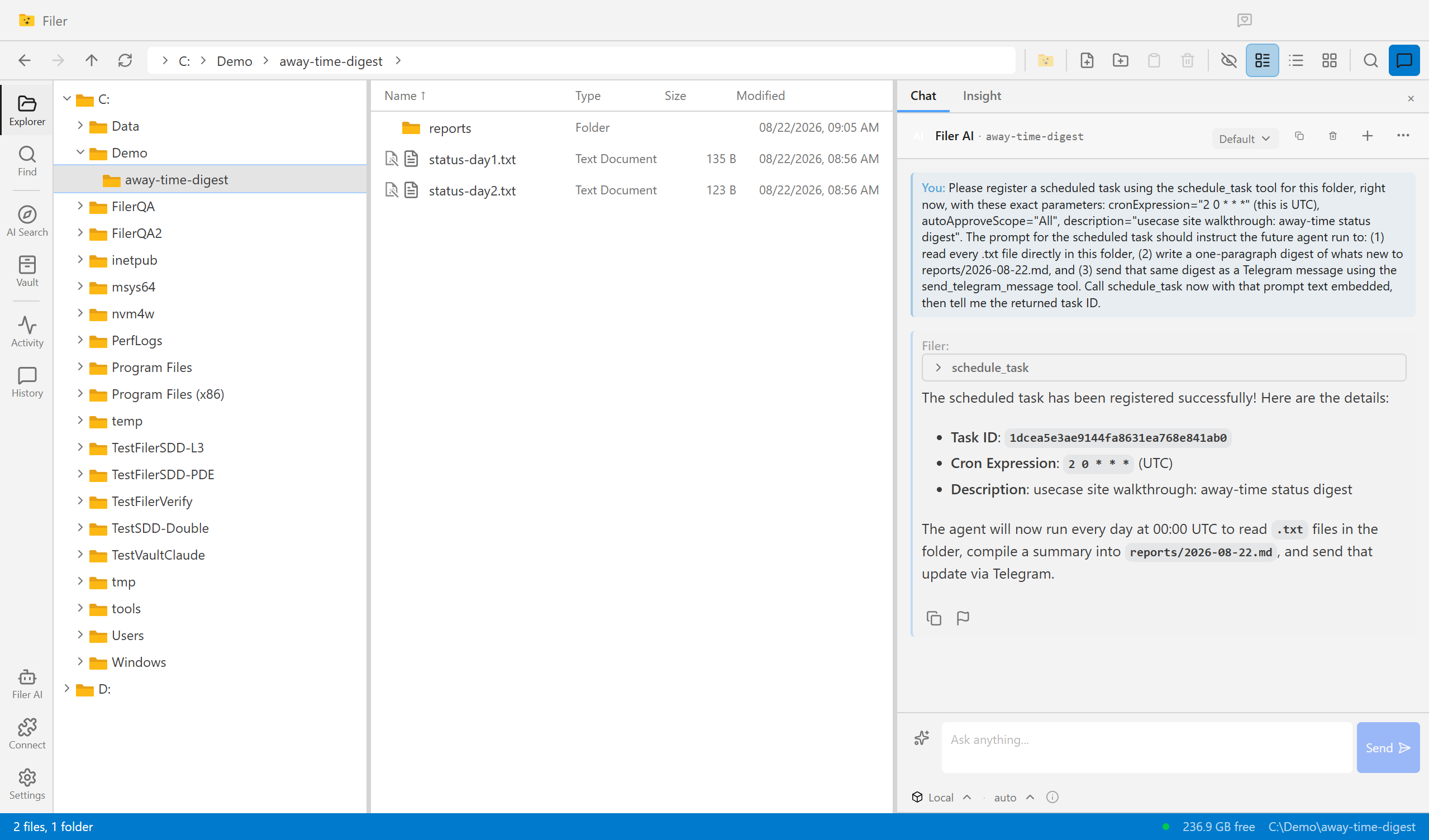
Come Back To an Answer, Not a Backlog
A Filer folder agent wakes up on its own schedule, reads what piled up while you were away, and sends you the digest — before you've even opened the app.
- Schedule
- Chat