
Filer Usecase
Come Back To an Answer, Not a Backlog
A Filer folder agent wakes up on its own schedule, reads what piled up while you were away, and sends you the digest — before you've even opened the app.
- Schedule
- Chat
What you get
Session-based chat tools only do something when someone's there to ask. Anything that accumulates in a folder while you're away — status notes, dropped-in files, updates from other people — just sits there until you get back and go looking for it.
Give a Filer folder a standing schedule instead. At the time you set, its own agent wakes up on its own, reads what's new, writes a summary, and sends it to you over Telegram — no one has to prompt it, every time.
How to do it
Screenshots below are from a real run, using two synthetic status notes in place of real accumulated material.
What it needs
- A Filer folder set to Full Auto, so it sends while you are away — below Full Auto each send waits for your approval, and a run nobody answers within two minutes finishes without sending
- A messenger plugin connected — Telegram here, Slack works the same way — and allowed for the folder if it limits its plugins (Filer AI › the folder › Plugins & Skills)
- An inference endpoint — Local AI, Frontier AI (API key), or a local LLM server
Try it yourself
Download sample files for this walkthrough and follow the steps below on your own computer.
- your-folder — the two status notes used on this page
- instructions.txt — the folder's instructions, also shown here
The folder's instructions
# Status digest This folder collects short status notes (`status-*.txt`). When the scheduled digest runs: 1. Read every status note in this folder. 2. Write a one-paragraph digest of what they say into `reports/<today's date>.md`. 3. Send the same digest to me on Telegram.
Connect Telegram, once
Install the Telegram plugin from Connect, paste in a bot token from Telegram's own @BotFather, and click "Fetch Chat ID" — Filer detects which chat to send to on its own instead of asking you to look up an ID by hand. One test message confirms the connection before you rely on it.
Tell it what counts as new
Two short status notes are sitting in the folder — the kind of thing that piles up while you're heads-down elsewhere. A short instructions file already in the folder says what to do with them: read every note, write a one-paragraph digest, send it over Telegram. All that's left is asking for a standing schedule.
Ask for a standing schedule, once
One chat request registers a recurring task with the folder's own agent — no separate scheduler screen to find, no cron syntax to write by hand. The agent turns the request into a schedule itself and reports back what it registered, in plain language. The time is read on your own clock:
Prompt
Every day at 9:00, run the status digest described in this folder's instructions. Register it as a recurring task.
It runs on its own — and reaches you
At the scheduled time, the agent wakes up without anyone asking it to, reads both notes, and writes a digest into the folder. The same digest lands as a Telegram message a few seconds later — delivered before you've opened Filer at all.
What the digest actually said Status Digest — 2026-10-02: Two status notes are currently on file. On 2026-08-20, Legal sent over the vendor contract renewal draft, which still needs a decision on the auto-renewal clause before the end of the month. On 2026-08-21, Finance updated the Q3 budget spreadsheet and flagged the marketing line item for review, as it is running 12% over forecast.
The screenshots and outputs on this page come from a real run of Filer, not a mockup.
Where else this applies
Any recurring "what happened while I wasn't looking" question fits the same read-on-a-schedule-and-send shape:
- Async standup — a morning digest of overnight updates for a distributed team, before anyone's first meeting.
- On-call handoff — a shift-change summary of what came in during the previous shift, sent before the next one starts.
- Weekend/vacation check-in — one digest waiting when you're back, instead of reopening every note from the time away.
Other ways in
The walkthrough shows a standing schedule doing the asking. You don't have to wait for the next scheduled run to get a digest — open the folder's chat any time and ask for one now; the agent runs the same read-summarize-send sequence on demand instead of waiting for the cron tick.
- Right-click
- The bundled
Summarizeaction gives you a one-off read of what's in the folder right now — the instant, no-schedule version of the same idea. It stops at the summary, though; it won't send it to Telegram for you the way the folder's own configured skill does. - Chat
- No schedule needed to get one right now:
"Summarize what's changed in this folder since yesterday." - Other automation triggers
- A schedule isn't the only way to key the same read-and-send shape off something other than a chat request — doc-diff-notify and folder-index show the same folder waking up on a file event instead of a clock.
- Other integrations
- Telegram is one delivery channel — Slack works the same way (swap the plugin, the schedule and the summarizing don't change).
More usecases
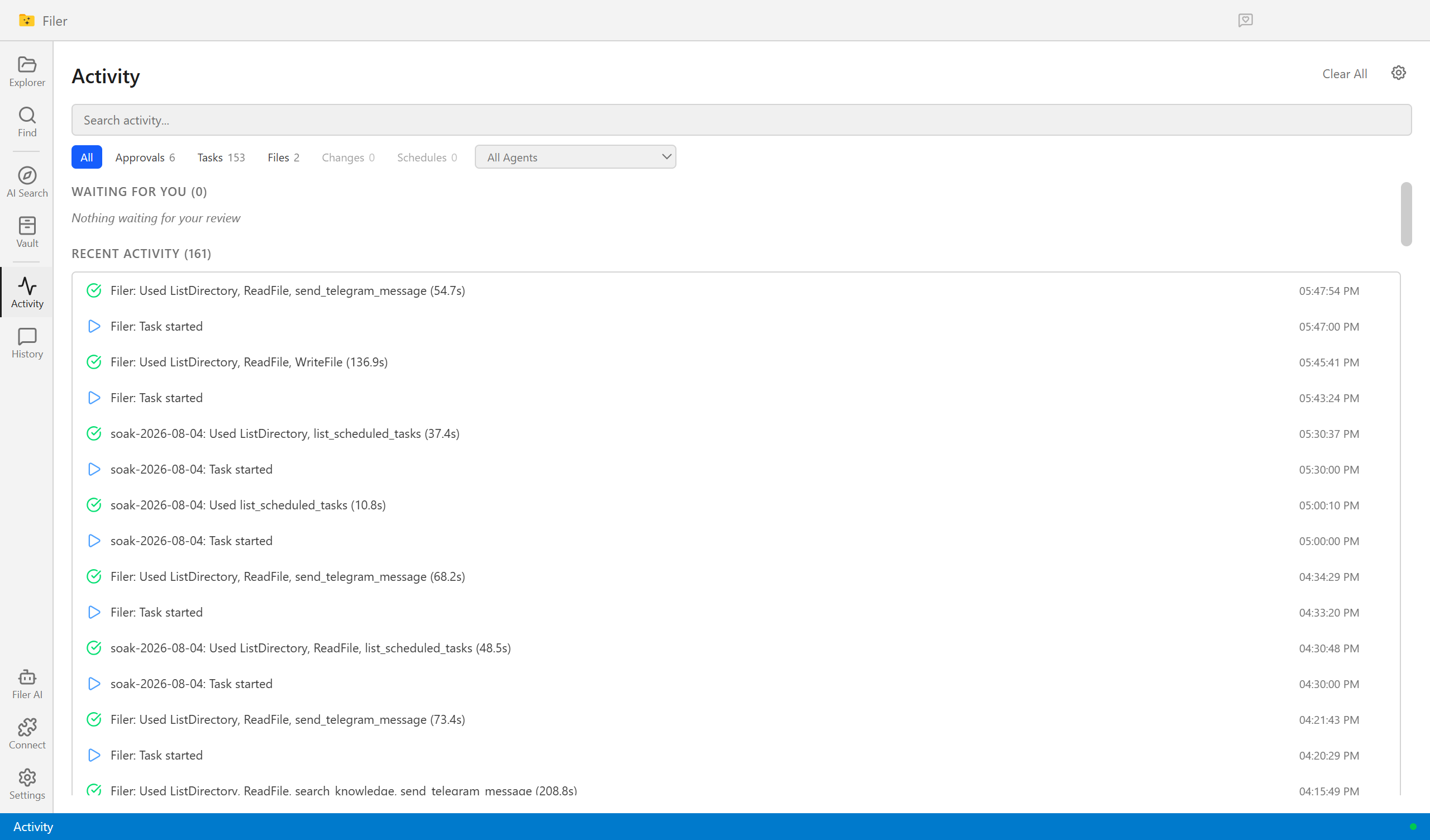
Know What Changed, Without Reading It Twice
A Filer folder agent notices the moment a new contract or policy version lands, diffs it against the one it replaces, and sends you what actually changed.
- File event
- Chat
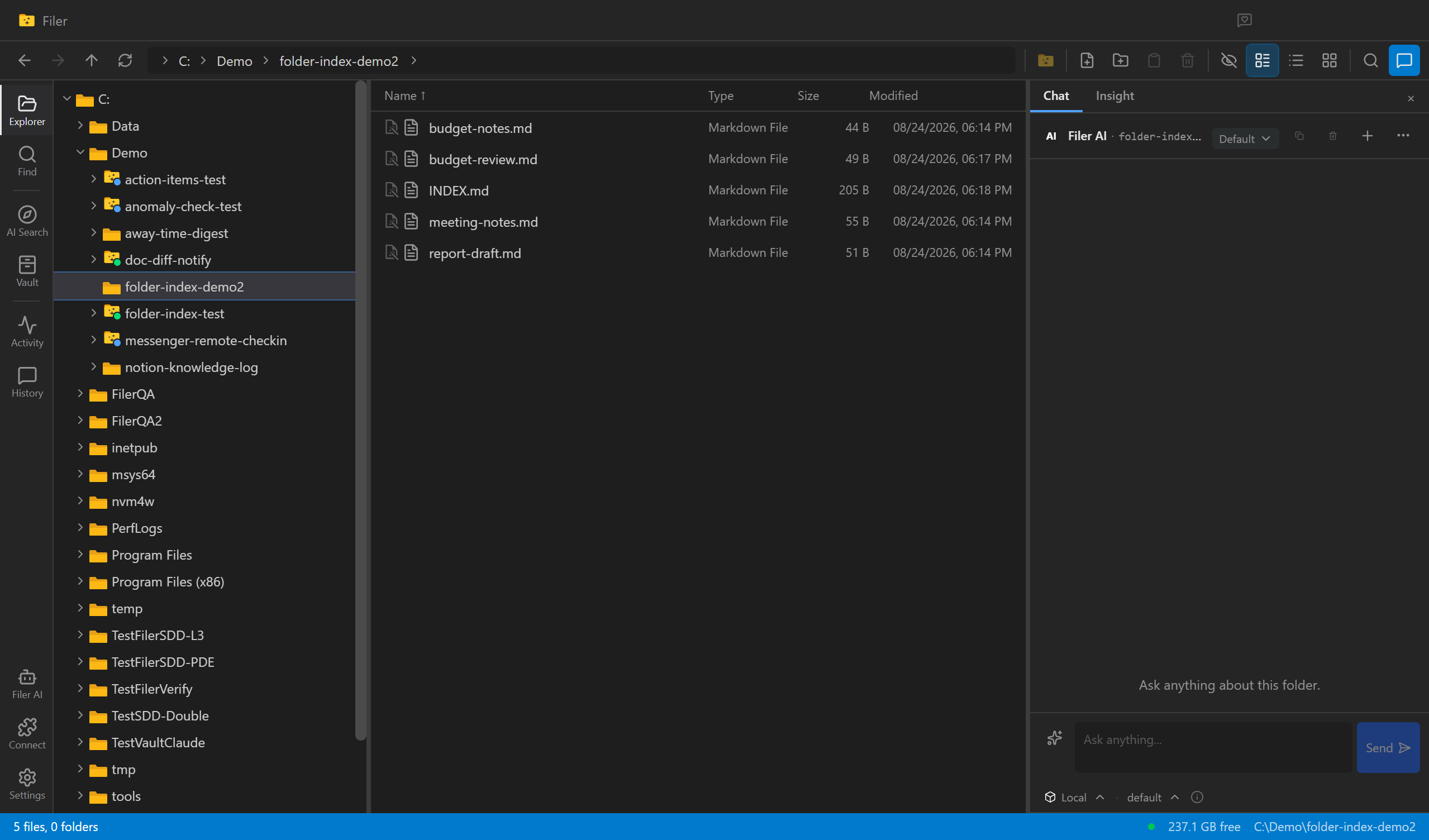
An Index That Never Goes Stale
A Filer folder agent notices when a file is added or changed and rewrites the folder's own INDEX.md to match — nobody has to remember to update it.
- File event
- Chat
- Right-click
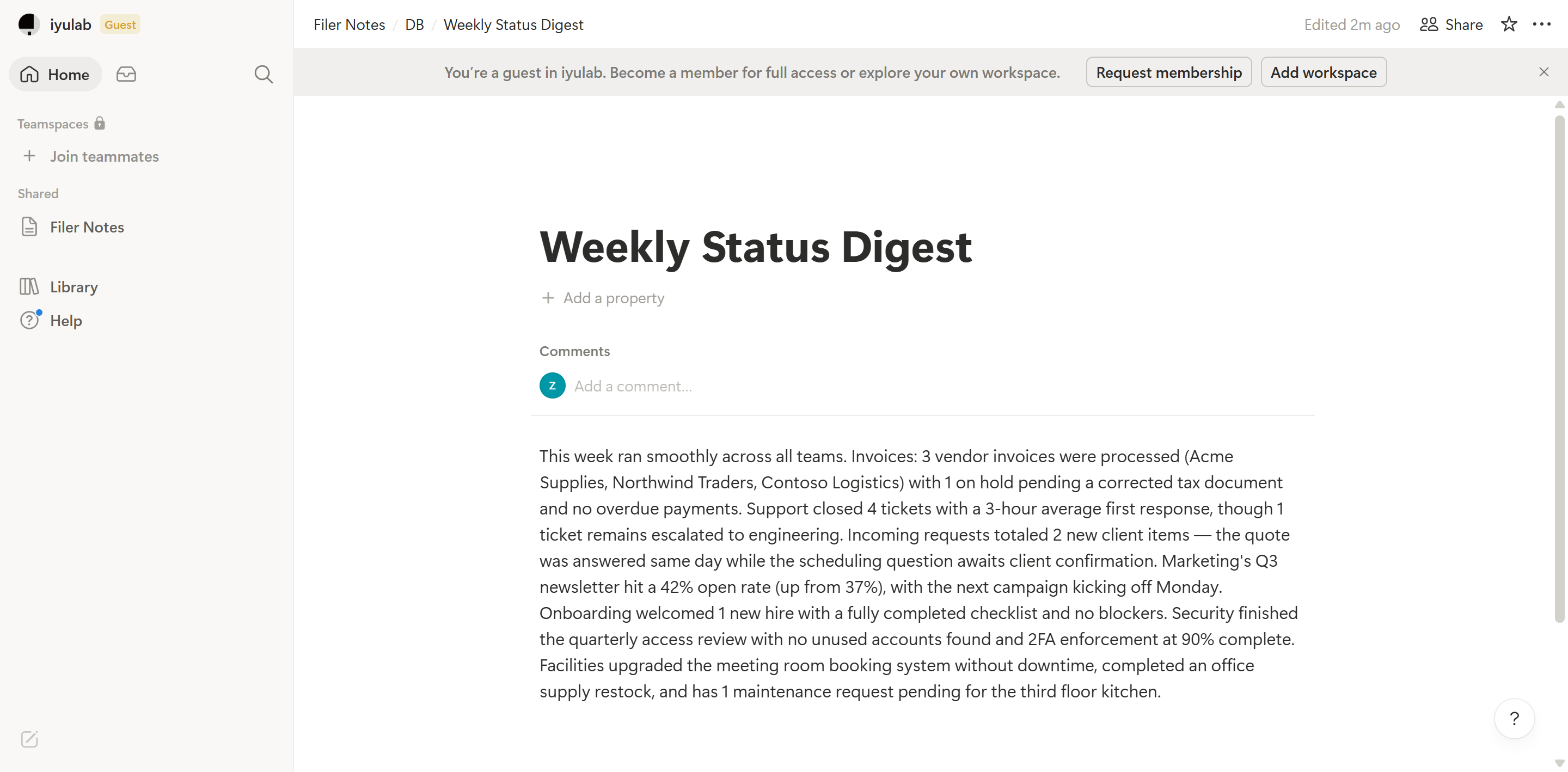
Put the Digest Where Your Team Already Looks
A Filer folder agent notices new updates, writes a digest, and logs it straight into your team's Notion database — no one has to copy it over by hand.
- File event
- Chat
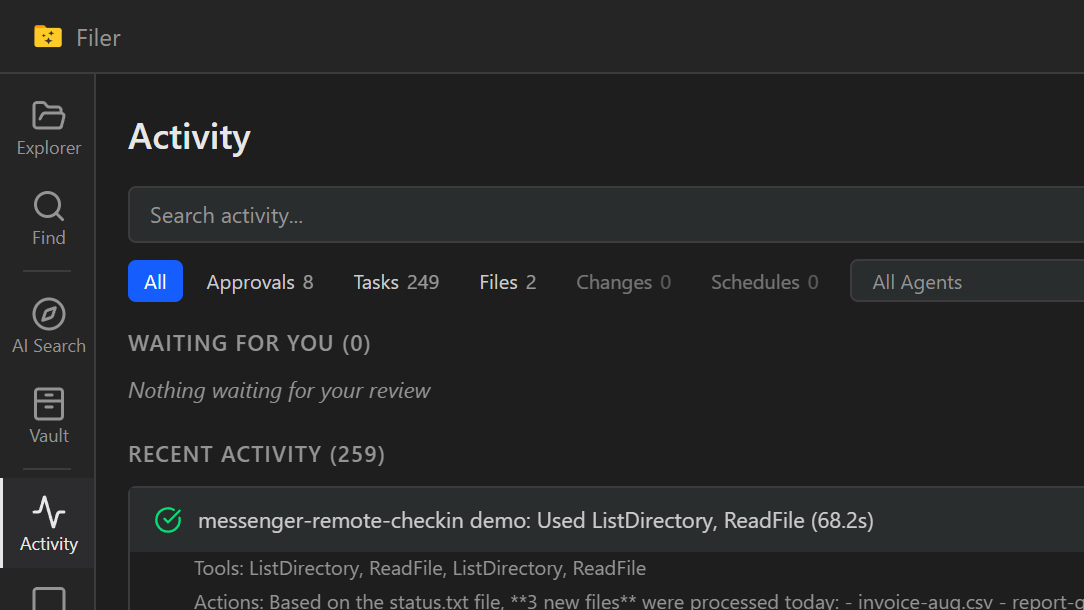
Check In On a Folder Without Opening Filer
Message a Filer folder's Telegram bot and its agent answers back in the same chat — no app to open, no desk to be at.
- Message
- Chat