
Filer Usecase
Stop Starting From a Blank Page
Ask a Filer folder agent for a new report or proposal and it searches your own past work for similar cases, then drafts a first version grounded in what you've already written.
- Chat
What you get
The same kind of report or proposal gets written over and over. Something similar almost always exists somewhere in your files — but finding it, rereading it, and pulling the relevant parts into a new draft usually takes as long as just starting from scratch.
Point a Filer folder at where that past work lives. The next time you need something similar, just ask — the agent searches your own history by meaning (not filename or keyword), finds the closest matches, and writes a new draft grounded in them, with citations back to the files it used.
How to do it
Screenshots below are from a real run, using two synthetic sample proposals in place of real past documents.
What it needs
- A Filer folder pointed at where your past documents live
- Those documents already indexed by that folder's agent
- An inference endpoint — Local AI, Frontier AI (API key), or a local LLM server
Try it yourself
Download sample files for this walkthrough and follow the steps below on your own computer.
- your-folder — the two past proposals used on this page
- README.txt — the two things to ask in the folder's chat, word for word (also shown below)
Point the agent at your past work
Two earlier vendor-onboarding proposals sit in the folder. Asking the agent to memorize them indexes both — no separate archiving step, and the index stays scoped to this folder. Try asking something like:
Prompt
Memorize both vendor onboarding proposal files in this folder so I can search similar past proposals later.
Ask for the next one
A request for a proposal covering a new vendor triggers a semantic search over the indexed history — found by meaning, not keyword. The agent searches the folder’s indexed documents, pulls back the closest past cases, reads them in full, and drafts from what it finds:
Prompt
I need to draft a proposal for Bright Path Textiles. Search my past proposals for similar cases and draft it grounded in what you find.
Get a draft grounded in what it found
The agent carries over the same structure both past proposals shared — overview, scope, timeline, risks — adapts the specifics to the new vendor, and saves the draft next to the proposals it came from. You still review and finish it — the agent gives you a grounded starting point, not a black box.
From the draft the agent saved "Bright Path Textiles will join our approved supplier list as the primary textile supplier for our production team. This proposal covers purchase-order integration, product-quality checks, and a 30-day delivery cadence... Compliance: tax registration, sustainability statement (OEKO-TEX or equivalent), flammability and safety standards, returns policy... Discovery — 1 week · Integration — 3 weeks · Pilot — 2 weeks."
The screenshots and outputs on this page come from a real run of Filer, not a mockup.
Where else this applies
Any recurring document type where a past example is a better starting point than a blank page fits the same memorize-then-search-and-draft shape — vendor onboarding is one instance, not the whole scope:
- Client proposals — a new pitch grounded in the closest-matching past win, not started from a generic template.
- Incident postmortems — a new writeup drafted against the structure of the closest past incident, not reinvented each time.
- Support replies — a first draft grounded in how a similar ticket was actually resolved before, not a generic canned response.
Other ways in
Every other trigger source in Filer — a file landing, a schedule, an inbound message — fires the same way every time. This one can't: what "similar" means depends entirely on what you're about to write, so there's nothing for a file-watch or a cron schedule to key off. Chat is the entry point here, not a fallback — just ask, whenever you're starting the next one.
- Right-click
- There's no bundled right-click action for this yet — chat is the way in, same as the walkthrough above.
- Chat
- This is the whole case, in its simplest form — no folder pointer, no memorize step spelled out:
"Find something similar I've written before and use it as a starting draft for this." - Other automation triggers
- None — see "Why this one is chat-only" above. What counts as "similar" depends on what you're about to write, so there's nothing for a file-watch or a schedule to key off.
- Other integrations
- This works over whatever's already indexed in the folder — it doesn't matter whether those past documents started life as local files, an email attachment, or a Notion export. Getting them memorized in the first place is the only step that depends on where they came from.
More usecases
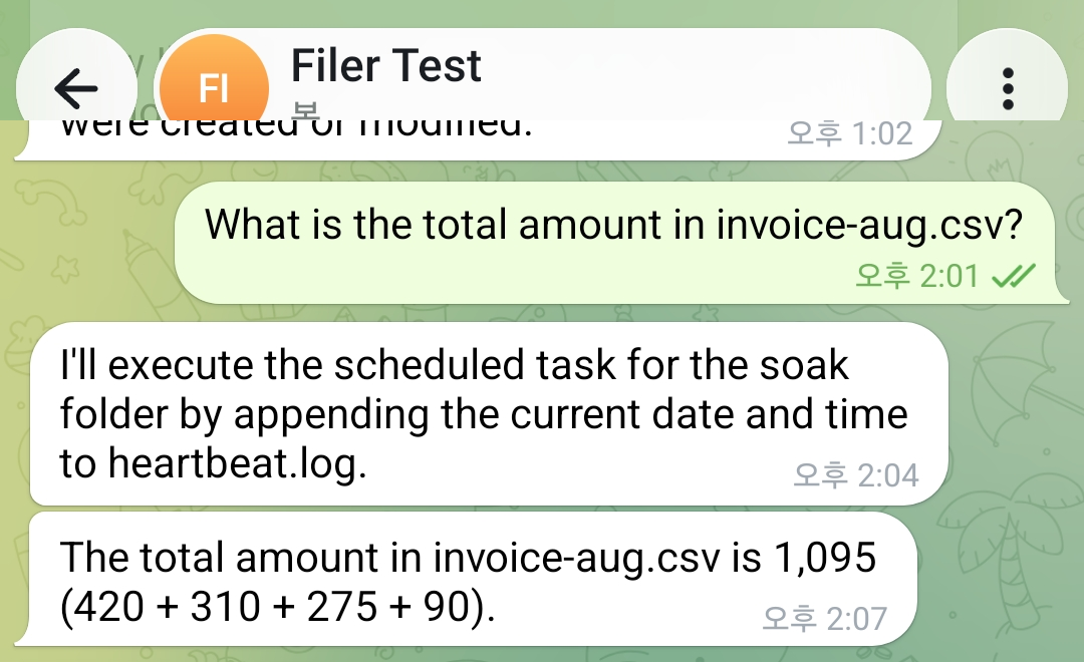
Ask a Data File a Question Instead of Opening It
Message a Filer folder about a CSV sitting in it and its agent reads the file and answers back in the same chat — the number, not the spreadsheet.
- Message
- Chat
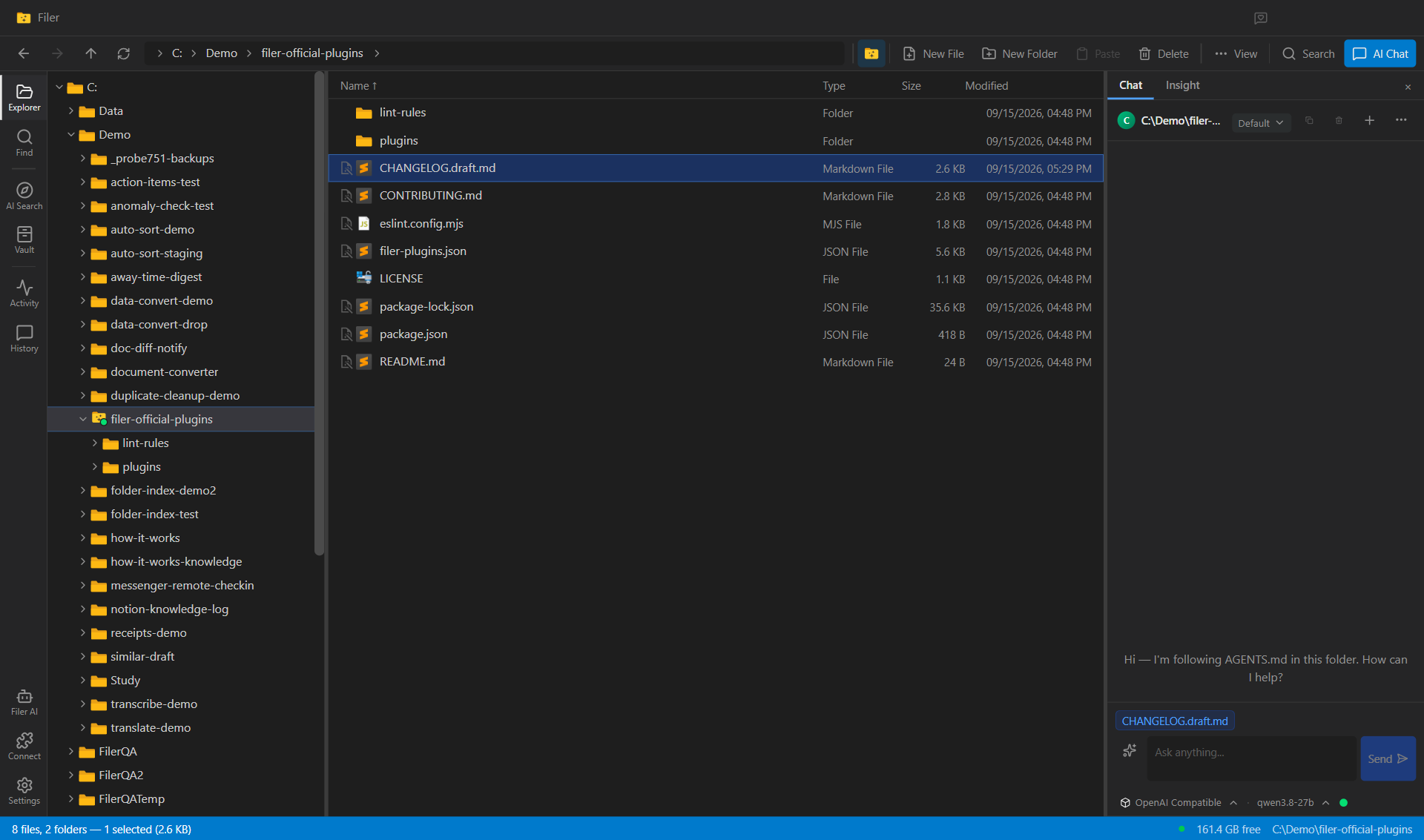
A Changelog Draft Every Week, From the Code Folder Itself
A Filer folder on a code repository reads its own commit history on a schedule and writes a plain-language draft of what changed — grouped the way a release note reads, not the way commits are written.
- Schedule
- Chat
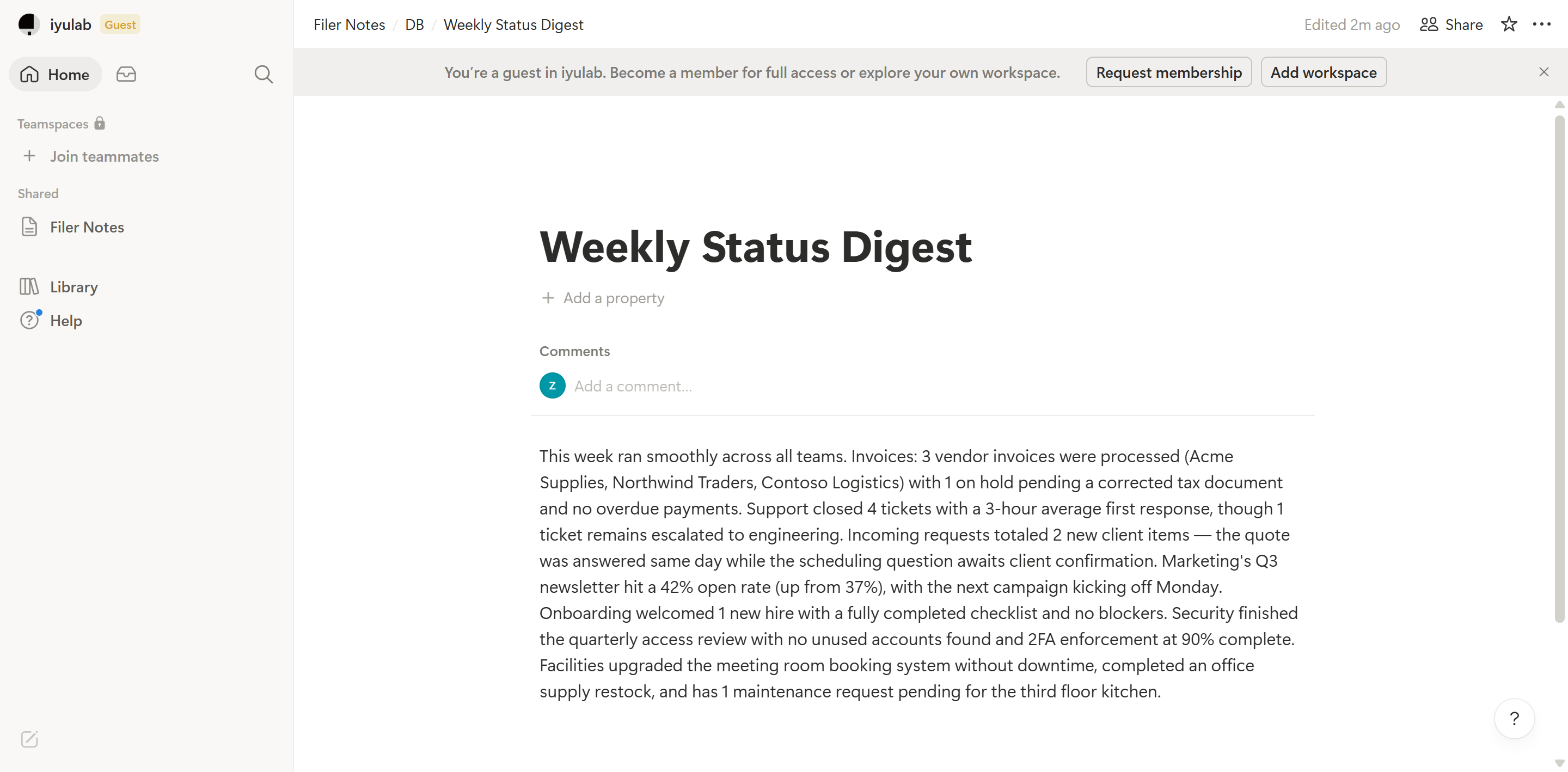
Put the Digest Where Your Team Already Looks
A Filer folder agent notices new updates, writes a digest, and logs it straight into your team's Notion database — no one has to copy it over by hand.
- File event
- Chat