
Filer Usecase
Ask a Data File a Question Instead of Opening It
Message a Filer folder about a CSV sitting in it and its agent reads the file and answers back in the same chat — the number, not the spreadsheet.
- Message
- Chat
What you get
A folder that piles up CSV or JSON exports — invoices, API dumps, usage logs — answers simple questions the hard way: open the file, find the column, do the arithmetic yourself, every time.
Message the folder's Telegram bot with the question instead. Its agent reads the file that's actually there, works out the answer, and replies straight back in the same chat.
How to do it
Screenshots below are from a real run — a real Telegram message, answered by a real agent reading a real file.
Needs: the Telegram plugin, connected with a bot token and inbound message polling turned on. No extra plugin for a small CSV or JSON file — the agent reads it directly.
What it needs
- A Filer folder with a trust level that allows message-triggered runs
- The Telegram plugin connected — a bot token, and inbound message polling turned on
- An inference endpoint — Local AI, Frontier AI (API key), or a local LLM server
- For a large file (hundreds of rows or more) or an Excel workbook — the data-analyzer plugin, so the agent reads a structured slice instead of the whole file at once
Try it yourself
Download sample files for this walkthrough and follow the steps below on your own computer.
- your-folder — the August invoice export used on this page
- README.txt — the question to send your bot, word for word
- instructions.txt — the folder's instructions, also shown here
The folder's instructions
# Invoices This folder holds invoice exports (`invoice-*.csv`). When someone sends a message asking about the files here, read the file they mean and answer the question from its contents. Reply to them on Telegram.
Turn on inbound messages, once
Same setup as any other folder that listens for messages — a bot token, a default chat, and "Enable inbound message polling" turned on.
The data file just sits in the folder
No special setup for the file itself — a plain CSV export, the kind that piles up from invoicing, exports, or logging. Nothing has to be prepared or indexed ahead of time.
Ask it something, from Telegram
Send the bot a plain question about the file — no need to open Filer, let alone the spreadsheet. The message wakes the folder's agent, which reads the CSV and works out the answer itself.
Prompt
What is the total amount in invoice-aug.csv?
What it actually replied "The total amount in invoice-aug.csv is 1,095 (420 + 310 + 275 + 90)."
The screenshots and outputs on this page come from a real run of Filer, not a mockup.
Where else this applies
Any folder with data files that pile up faster than anyone reads them fits the same ask-and-answer shape:
- Expense or invoice exports — "what's the total for August" without opening the export.
- API or usage dumps — asking for a count or an outlier from a JSON export without writing a script.
- Handing off to a non-technical stakeholder — someone who'd never open a CSV can still ask it a question over a chat app they already use.
Other ways in
- Right-click
- There's no dedicated right-click action for asking a data file a question — that's what makes this case a chat/message thing rather than a one-shot action. For a large file or an Excel workbook specifically, the data-analyzer plugin's
Analyze Dataright-click action is the closer fit (statistics on a whole sheet, not a single computed answer — see "What it needs" below). - Chat
- The point of this walkthrough is asking without opening the spreadsheet, so it leads with Telegram. The same question gets the same answer from Filer's own chat panel at your desk — Telegram is for when you're away, not the only door.
- Other automation triggers
- Not shown in this walkthrough.
- Other integrations
- Not shown in this walkthrough.
More usecases
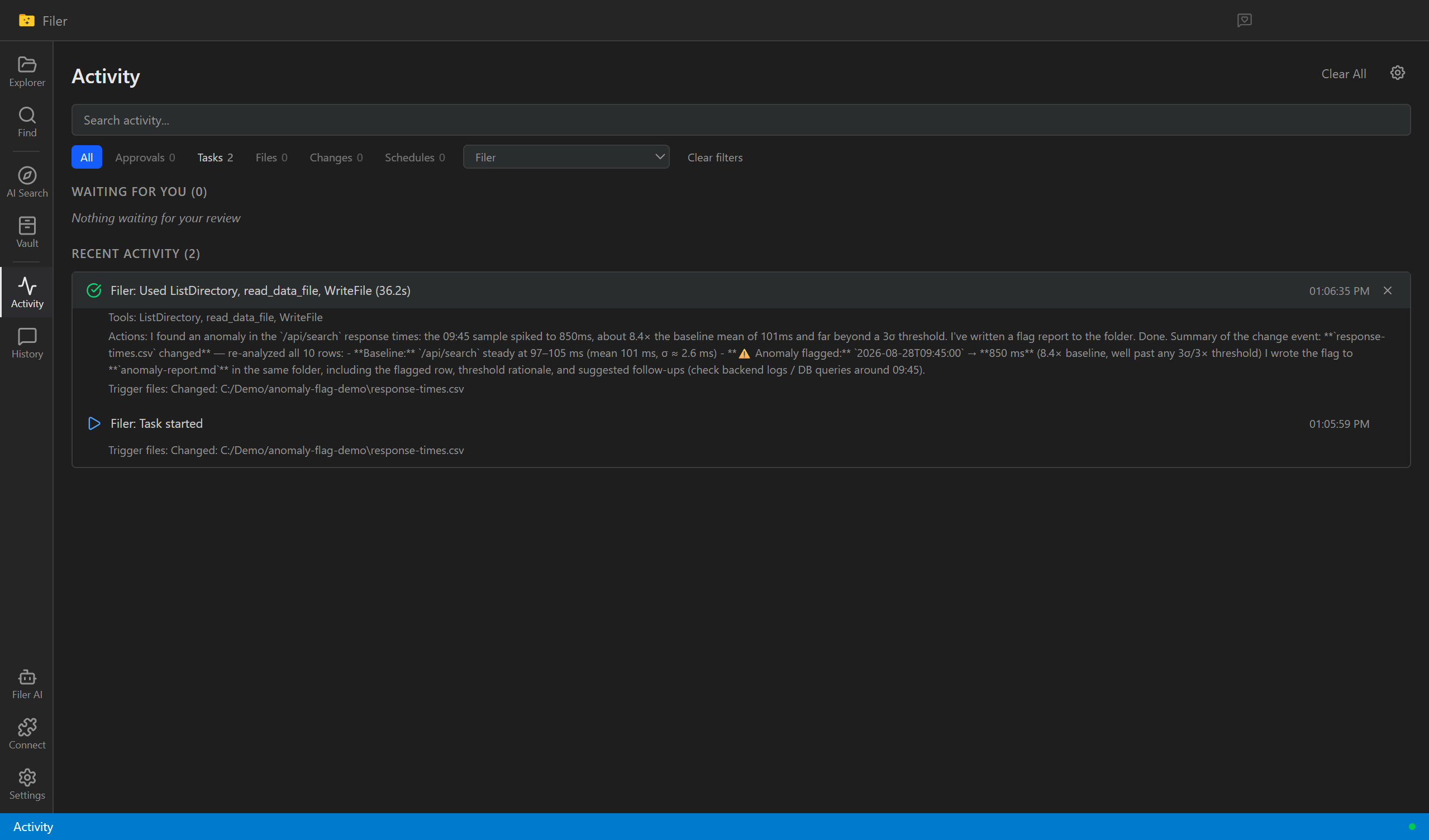
Catch the Value That Doesn't Belong
A Filer folder agent notices when a metrics file updates and points out the one value that clearly stands out from the rest — no dashboard to open, no graph to eyeball.
- File event
- Chat
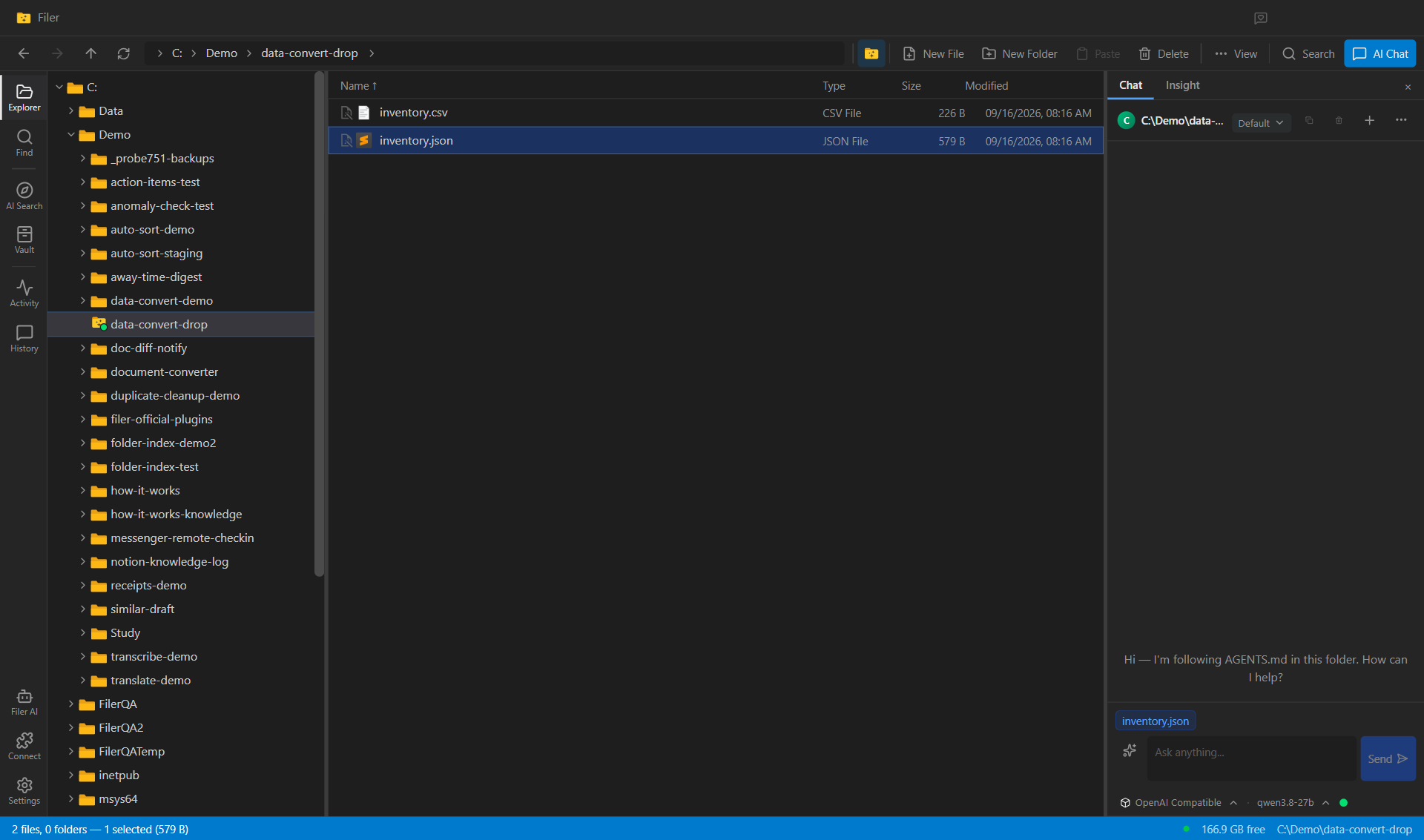
Drop a CSV, Get the JSON
A Filer folder converts every data file that lands in it to the format the next system needs — on the folder's own instruction, with the original left untouched and nothing uploaded anywhere.
- File event
- Chat
- Right-click
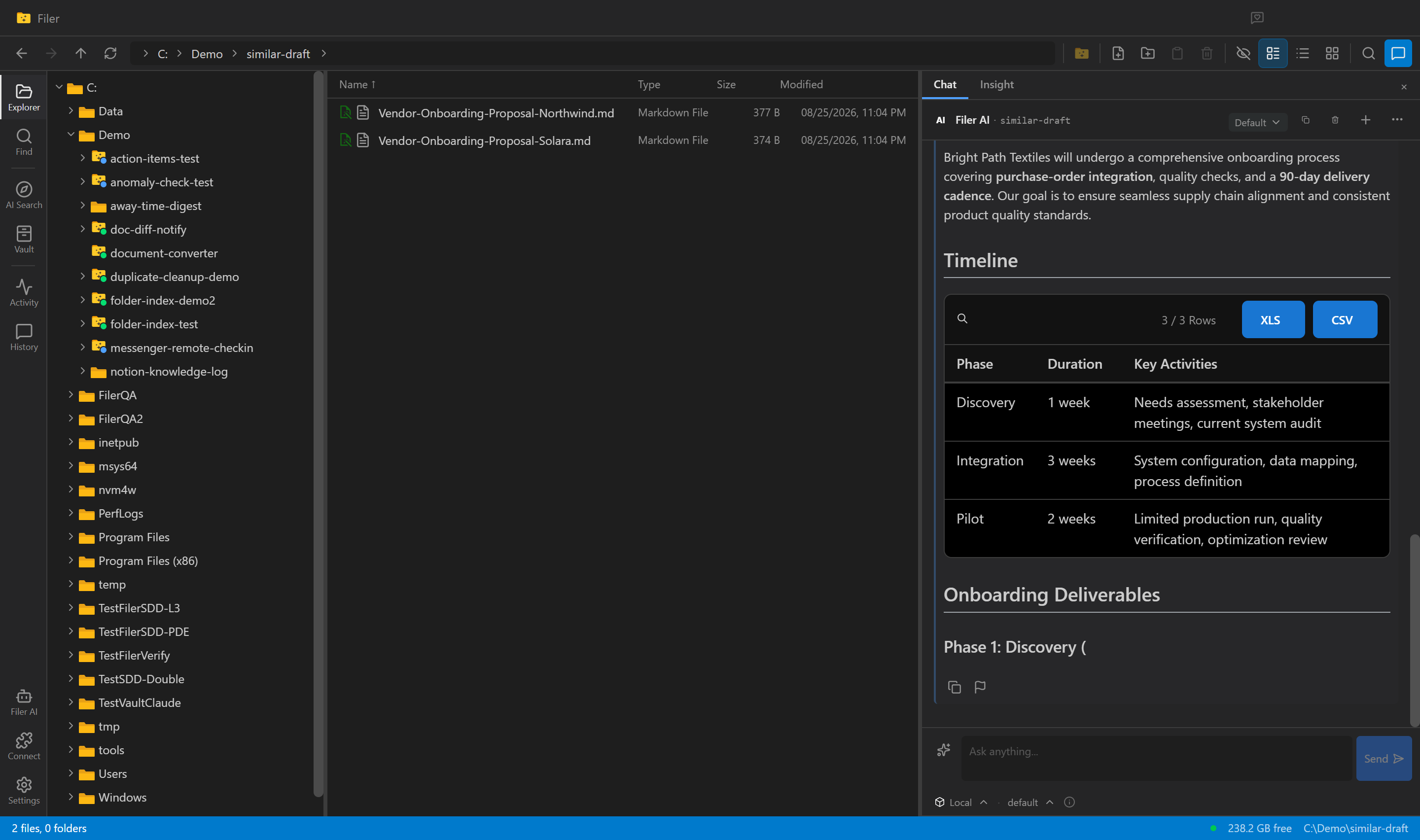
Stop Starting From a Blank Page
Ask a Filer folder agent for a new report or proposal and it searches your own past work for similar cases, then drafts a first version grounded in what you've already written.
- Chat