
Filer Usecase
Drop a CSV, Get the JSON
A Filer folder converts every data file that lands in it to the format the next system needs — on the folder's own instruction, with the original left untouched and nothing uploaded anywhere.
- File event
- Chat
- Right-click
What you get
One system exports CSV, the next one wants JSON. The usual answers are a conversion website — your data on someone else's server — or opening the file and saving it by hand, again, every time an export lands.
Point a Filer folder at the export location instead. Its instruction says what to convert and where to put the result; when a file appears, the folder's agent converts it with the data-conversion plugin and writes the result next to the original. The original is never touched, and with a local model nothing leaves your machine.
How to do it
Screenshots below are from a real run on a small inventory export standing in for a real one.
What it needs
- A Filer folder on the location where the exports land, at Productive or higher — the level a new folder starts at — so the converted file is written without asking
- The data-converter plugin, installed from Connect (CSV, JSON and Excel in; CSV, JSON or Excel out)
- An inference endpoint for the folder agent — Local AI works; the conversion itself needs no model
Try it yourself
Download sample files for this walkthrough and follow the steps below on your own computer.
- your-folder — an empty exports folder to turn into a Filer
- add-these-later — a small inventory export (inventory.csv) to drop in
- instructions.txt — the folder's instructions, the same text as below
Tell the folder what a new file should become
Activate the exports folder as a Filer and write the instruction once: convert each new CSV to JSON, keep the original as it is, and say so instead of improvising if a file cannot be converted.
Instruction
# Exports folder — convert new data files Whenever a new `.csv` file appears in this folder, convert it to JSON and save the result next to it under the same name with a `.json` extension. Do this with the conversion tool you have for data files, without reading or rewriting the data yourself. Rules: - Leave the original file exactly as it is — never edit, move or delete it. - If a converted file with that name already exists, do nothing for that file. - If you cannot convert a file, stop and say why instead of producing anything else. - Do not touch any other file in this folder.
An export lands
A CSV is dropped into the folder. The agent sees the new file, converts it, and is done — one run, one converted file, and the folder does not start again on the file it just wrote.
The JSON sits next to the original
Every row of the CSV is a record in the JSON, every column a field, the values exactly as they were in the export. The CSV is untouched, so the system that produced it never notices.
What the conversion is, and is not
It is a faithful reshaping of the file, not a data-cleaning step: a value in a column comes across as it was written, and a CSV that breaks its own format (an unquoted comma inside a cell) converts as the format says it should. Quality follows the model only for the part the model does — deciding what to do with a new file; the conversion itself is the plugin's.
The screenshots and outputs on this page come from a real run of Filer, not a mockup.
Where else this applies
Any place where one tool's export is another tool's import fits the same shape:
- A finance export folder — the accounting system's CSV becomes the JSON the dashboard reads.
- A survey or form export — responses land as Excel, the analysis script wants CSV.
- A vendor drop folder — whatever format a partner sends, the next step sees one format.
Other ways in
The walkthrough uses a file trigger. The same conversion is one click or one sentence away.
- Right-click
- Right-click any
.csv,.jsonor.xlsxfile and chooseConvert to...to pick the target format on the spot. - Chat
- No setup needed to ask right now:
"Convert inventory.csv to JSON." - Other automation triggers
- A schedule can sweep the folder nightly instead of reacting to each file — the same instruction, a different trigger.
- Other integrations
- Add a messenger plugin and the folder can tell a channel when a conversion is done, or the Notion plugin to log it.
More usecases
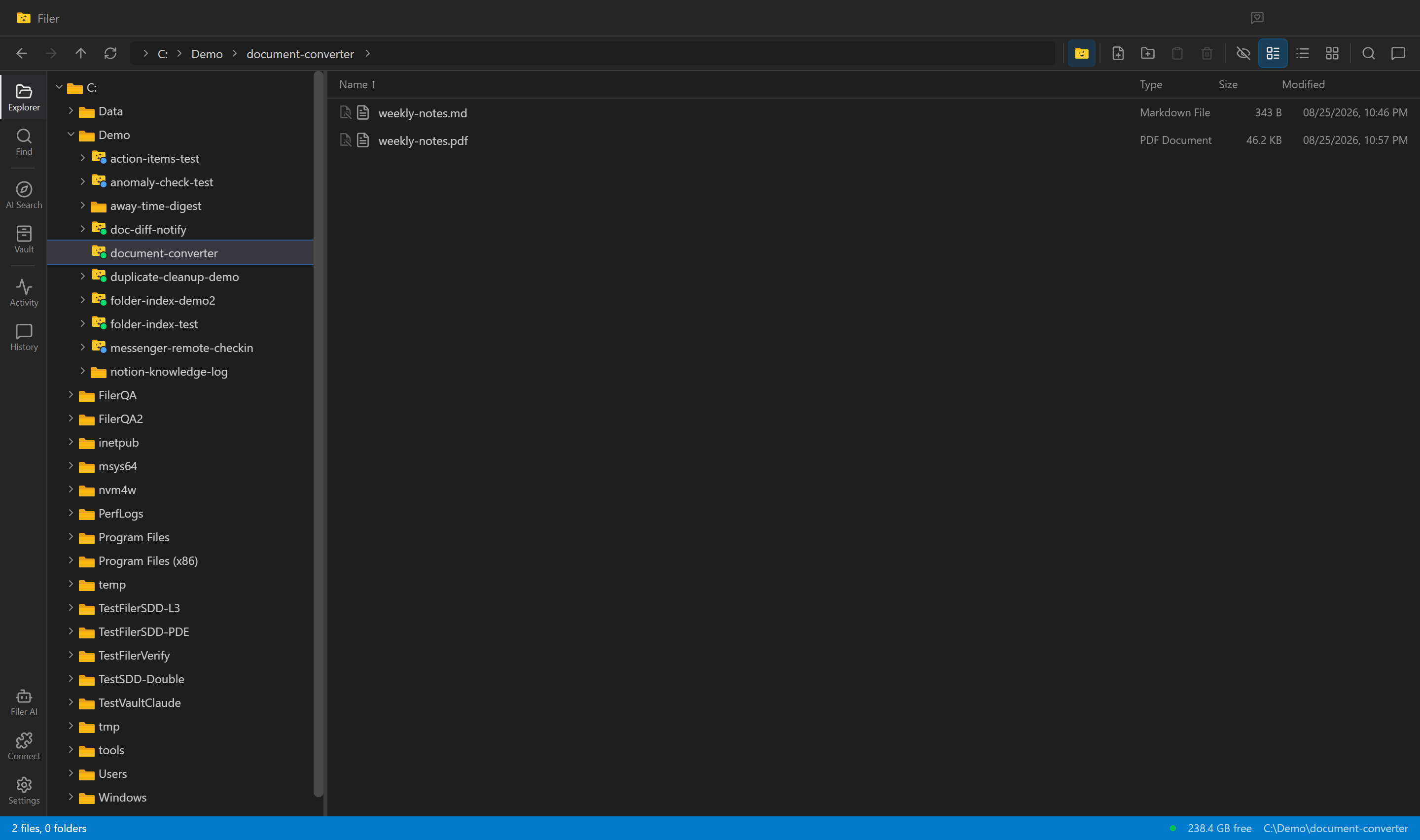
Every New Draft, Already a PDF
A Filer folder agent notices a new document, converts it to PDF on its own, and leaves a clean, shareable file sitting right next to the original.
- File event
- Chat
- Right-click
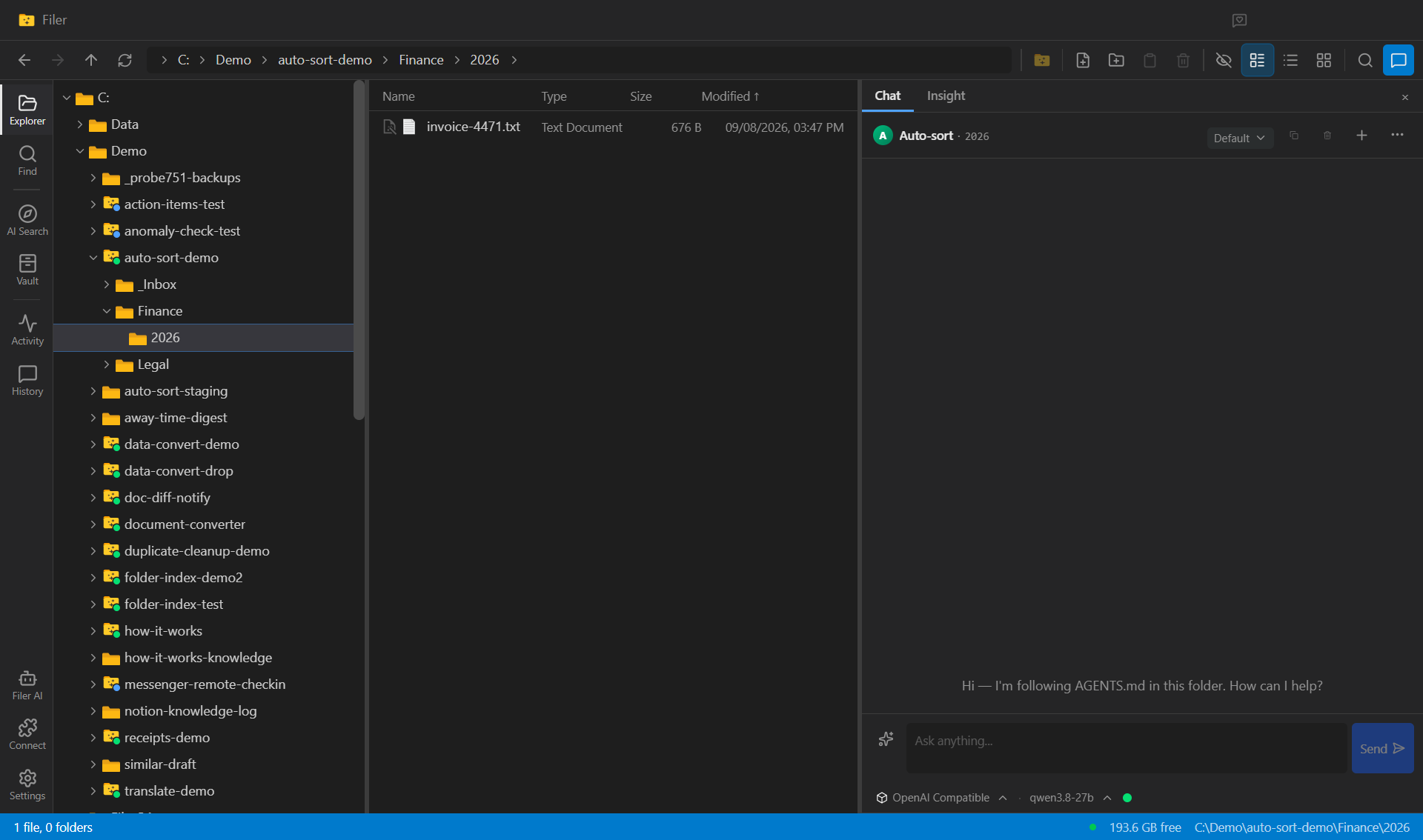
A Folder That Files Its Own Arrivals
A Filer folder agent sorts new documents into the folders you already keep — drop an invoice or a contract into the folder and the agent reads it, decides where it belongs, and moves it there.
- File event
- Chat
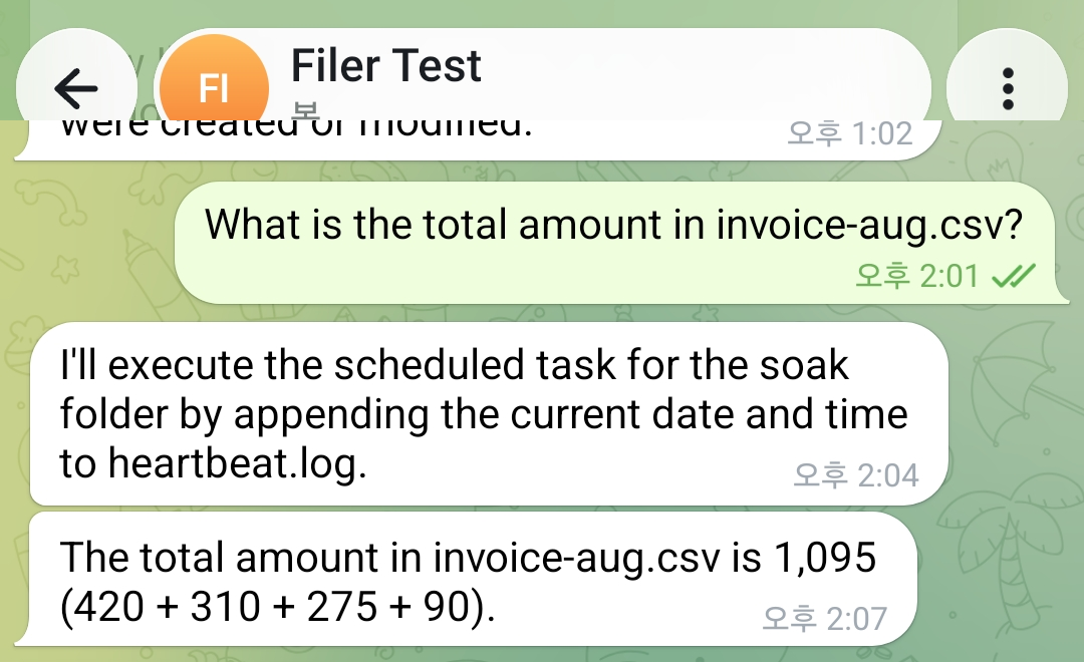
Ask a Data File a Question Instead of Opening It
Message a Filer folder about a CSV sitting in it and its agent reads the file and answers back in the same chat — the number, not the spreadsheet.
- Message
- Chat