
Filer Usecase
A Folder That Files Its Own Arrivals
A Filer folder agent sorts new documents into the folders you already keep — drop an invoice or a contract into the folder and the agent reads it, decides where it belongs, and moves it there.
- File event
- Chat
What you get
A downloads folder is where documents go to be forgotten. Weeks later it is a few hundred files, and telling the invoice from the contract means opening them. Rule-based filers can help, but a rule that matches on filenames only works for files that were named well — and the ones that arrive from other people rarely are.
A Filer folder agent reads the file instead. When something lands, it opens it, works out what kind of document it is, and moves it into one of the folders you already keep — the same folders you would have dragged it to yourself. You describe the filing rule once, in a sentence, and the folder applies it from then on.
How to do it
Screenshots below are from a real run, using stand-in documents in place of real ones.
Needs: a trust level that allows the agent to move files in the folder. No plugin required.
What it needs
- A Filer folder with a trust level that allows file-triggered runs and letting the agent move files
- The destination folders already created — the agent files into folders you keep, it does not invent new ones
- An inference endpoint — Local AI, Frontier AI (API key), or a local LLM server
Tip: name the destinations explicitly in the folder’s instructions, and say what to do with anything that fits none of them. A catch-all like _Inbox/ is what keeps an uncertain document from being filed confidently in the wrong place.
Try it yourself
Download sample files for this walkthrough and follow the steps below on your own computer.
- your-folder — the folder to turn into a Filer, with its three empty destinations: Finance/2026, Legal and _Inbox
- add-these-later — an invoice, a services agreement and meeting notes to drop in one at a time
- instructions.txt — the folder's instructions, the same text as below
Three documents land in the folder
The folder already has the destinations —
Finance/2026/,Legal/and_Inbox/— and an instructions file naming them. Three documents arrive: an invoice, a services agreement, and a set of meeting notes that is neither.Instruction
When a new file appears in this folder, read it, decide what kind of document it is, and move it into exactly one of these existing folders: - An invoice, receipt, or bill -> `Finance/2026/` - A contract or legal agreement -> `Legal/` - Anything else, or anything you are not sure about -> `_Inbox/` Use only the three folder paths listed above. Do not create new folders. Move the file. Do not copy it, and do not rewrite its contents. Move each file exactly once, then stop.
Before: three documents in the root, three destinations waiting. The agent reads each one and files it
Each arrival is its own short run, a few seconds to half a minute: the agent opens the file, decides where it belongs, and moves it — and the meeting notes, which matched neither category, went to
_Inbox/rather than being forced into one.Activity, filtered to this folder’s agent: three runs, one per document. What the agent reported back for the second file This is a Master Services Agreement — a legal contract. Moving it to `Legal/`.Everything is where you would have put it
The root is empty and each document sits under the folder its content called for. The files were moved, not copied, and nothing was renamed — the invoice is still
invoice-4471.txt, now underFinance/2026/.After: the invoice filed under Finance/2026.
What this run does and does not show
This was three text documents in one language, filed into destinations the instruction named explicitly. It does not show scanned PDFs, dozens of files arriving at once, or a folder tree the agent has to work out for itself.
The agent also decides where a document goes, which means it can decide wrongly. Keeping a catch-all folder is what makes that recoverable: an uncertain document waits for you in one place instead of being filed confidently somewhere you will not look.
The screenshots and outputs on this page come from a real run of Filer, not a mockup.
Where else this applies
The same shape works wherever arrivals need routing rather than processing:
- Scans and photographed paperwork — a phone-scanned receipt lands in the folder and joins the rest of the year’s expenses, without being renamed first.
- Shared drives with a filing convention — the convention lives in the folder’s instructions instead of in one person’s head, so it survives them being away.
- A staging folder in front of a knowledge base — route documents into the subfolders you memorize, so what you search later is already scoped.
Other ways in
Filing is the trigger here, but the same folder can be reached other ways once it is set up.
- Right-click
- — the Folder Tools plugin’s Suggest structure action proposes a filing layout for a folder you select, as a one-off, without an agent.
- Chat
- — ask the folder directly: “what came in this week, and where did it go?” The chat panel is scoped to the folder you are standing in.
- Other automation triggers
- — a schedule instead of a file event: sweep whatever accumulated once a day rather than reacting to each arrival.
- Other integrations
- Not shown in this walkthrough.
More usecases
Part of a guide: A folder that keeps itself in order: filing, indexing, and spotting near-duplicates
An Index That Never Goes Stale
A Filer folder agent notices when a file is added or changed and rewrites the folder's own INDEX.md to match — nobody has to remember to update it.
- File event
- Chat
- Right-click
Find the Near-Duplicates Before You Do
A Filer folder agent reads through a folder's files and points out which ones are near-duplicates of each other — reworded drafts, repeated exports — without changing anything itself.
- File event
- Right-click
- Chat
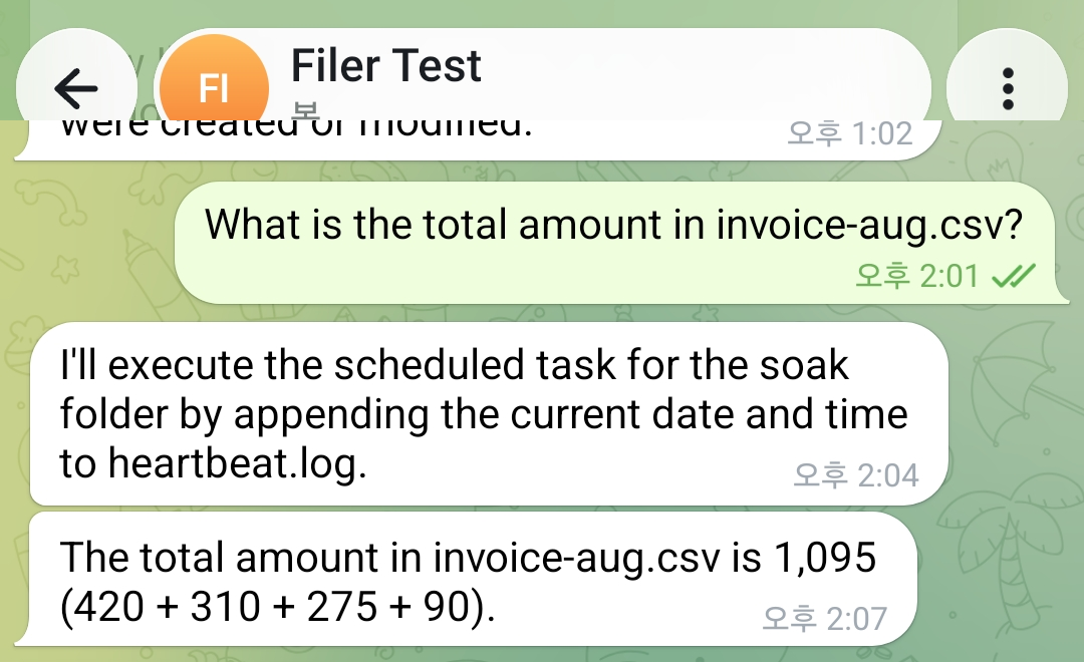
Ask a Data File a Question Instead of Opening It
Message a Filer folder about a CSV sitting in it and its agent reads the file and answers back in the same chat — the number, not the spreadsheet.
- Message
- Chat