
Filer Usecase
Catch the Value That Doesn't Belong
A Filer folder agent notices when a metrics file updates and points out the one value that clearly stands out from the rest — no dashboard to open, no graph to eyeball.
- File event
- Chat
What you get
A file of response times, error counts, or any other repeating measurement is only useful if someone actually looks at it. Most of the time nobody does — until the number that mattered has already scrolled off the bottom.
Point a Filer folder at the file instead. Its agent wakes up every time the file changes, reads the new value against the recent ones, and says plainly whether it looks unusual — in the same chat you'd use to ask it anything else about the folder.
How to do it
Screenshots below are from a real run, using a placeholder metrics file in place of a real one.
Needs: a trust level that lets the agent run on file changes and read the folder. No plugin required.
What it needs
- A Filer folder with a trust level that allows file-triggered runs
- No plugin, no external account — this one runs on Filer's own built-in file-reading tools
- An inference endpoint — Local AI, Frontier AI (API key), or a local LLM server
Tip: a trust level that only allows reading (no file creation or editing) is enough for this case — the agent never needs to write anything back to answer "does this look unusual."
Try it yourself
Download sample files for this walkthrough and follow the steps below on your own computer.
- your-folder — the metrics file used on this page, nine ordinary response times
- README.txt — the one line to add to that file to make the folder act
- instructions.txt — the folder's instructions, the same text as below
The folder's instructions
# Response time watch Whenever `response-times.csv` changes: read it, compare the newest value against the others, and say whether it stands out. If nothing looks unusual, say so plainly.
A metrics file, nine unremarkable rows
A short instructions file already in place tells the agent what to do whenever
response-times.csvchanges: read it, compare the newest value against the others, and say whether it stands out — or say plainly that nothing looks unusual.A new row lands, the agent flags it on its own
Appending one line — a response time of 850ms next to nine values sitting between 97 and 105ms — is the trigger. Nobody asked; the file changing is enough to wake the agent.
What it actually replied Newest value stands out — likely anomaly. Latest: 850 ms at 2026-09-20 10:45 (/api/orders). Previous 9 readings: 97–105 ms (avg ≈ 101 ms). 850 ms is ~8.4× the average of the prior readings, well beyond the normal range — a sharp spike worth investigating.
What this reliably catches:
a value that's obviously off, the way 850ms is obviously off next to a run of 97–105ms values. A value that's only mildly elevated — say, 40–50% above the recent range instead of 8x — is a judgment call the agent doesn't reliably complete every time. This is a scope Filer's own testing found, not a claim to take on faith: treat this as a first-pass flag for clear outliers, not a statistical anomaly detector for borderline drift.
The screenshots and outputs on this page come from a real run of Filer, not a mockup.
Where else this applies
The mechanism is generic — watch a file, compare the newest entry to the recent ones, say what's off. Any repeating log or metric nobody has time to babysit is a fit:
- Error-count logs — a build or job that logs its failure count per run, flagged the moment one run's count is far outside the usual range.
- Daily counts — orders, signups, tickets — any per-day tally where "way more or way fewer than usual" is worth a second look.
- Combine with a messenger trigger — pair this with the same folder's Telegram or Slack connection so a clear outlier reaches you as a message instead of waiting to be read in Filer's own Activity view.
Other ways in
- Right-click
- No right-click action yet — use chat.
- Chat
- The walkthrough above shows the trigger path — the file changes, the agent notices on its own, nobody asks. The same check is one chat message away too: open the folder's chat and ask something like "does anything in response-times.csv look unusual?" and the agent reads the same file and answers on demand instead of waiting for a change. There's no dedicated right-click action for this one yet — chat is the manual path until there is.
- Other automation triggers
- Not shown in this walkthrough.
- Other integrations
- Not shown in this walkthrough.
More usecases
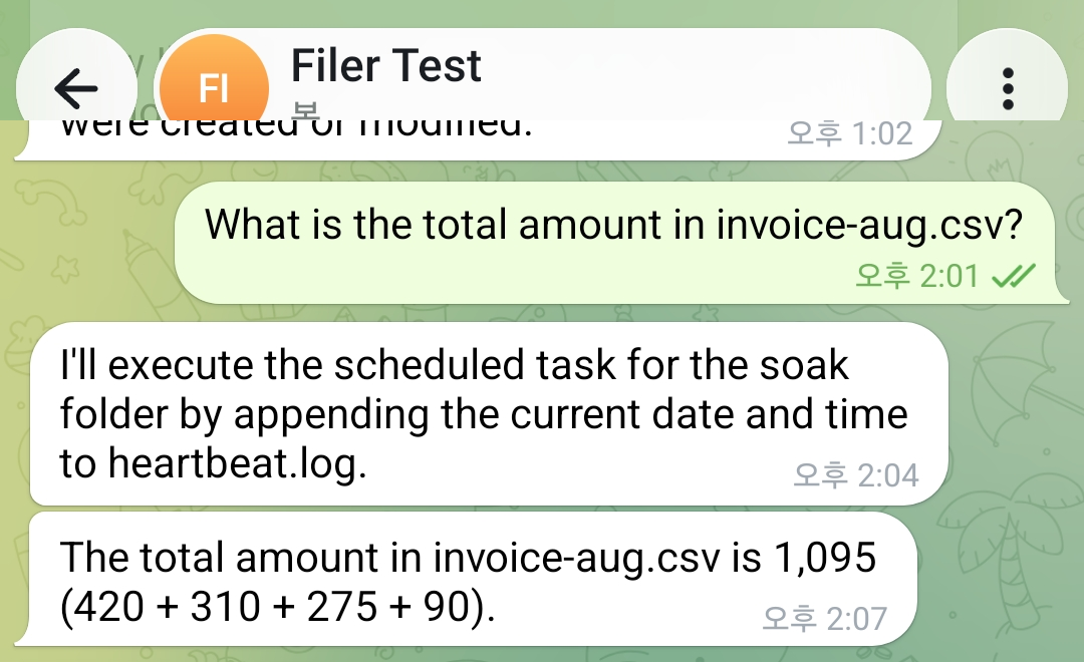
Ask a Data File a Question Instead of Opening It
Message a Filer folder about a CSV sitting in it and its agent reads the file and answers back in the same chat — the number, not the spreadsheet.
- Message
- Chat
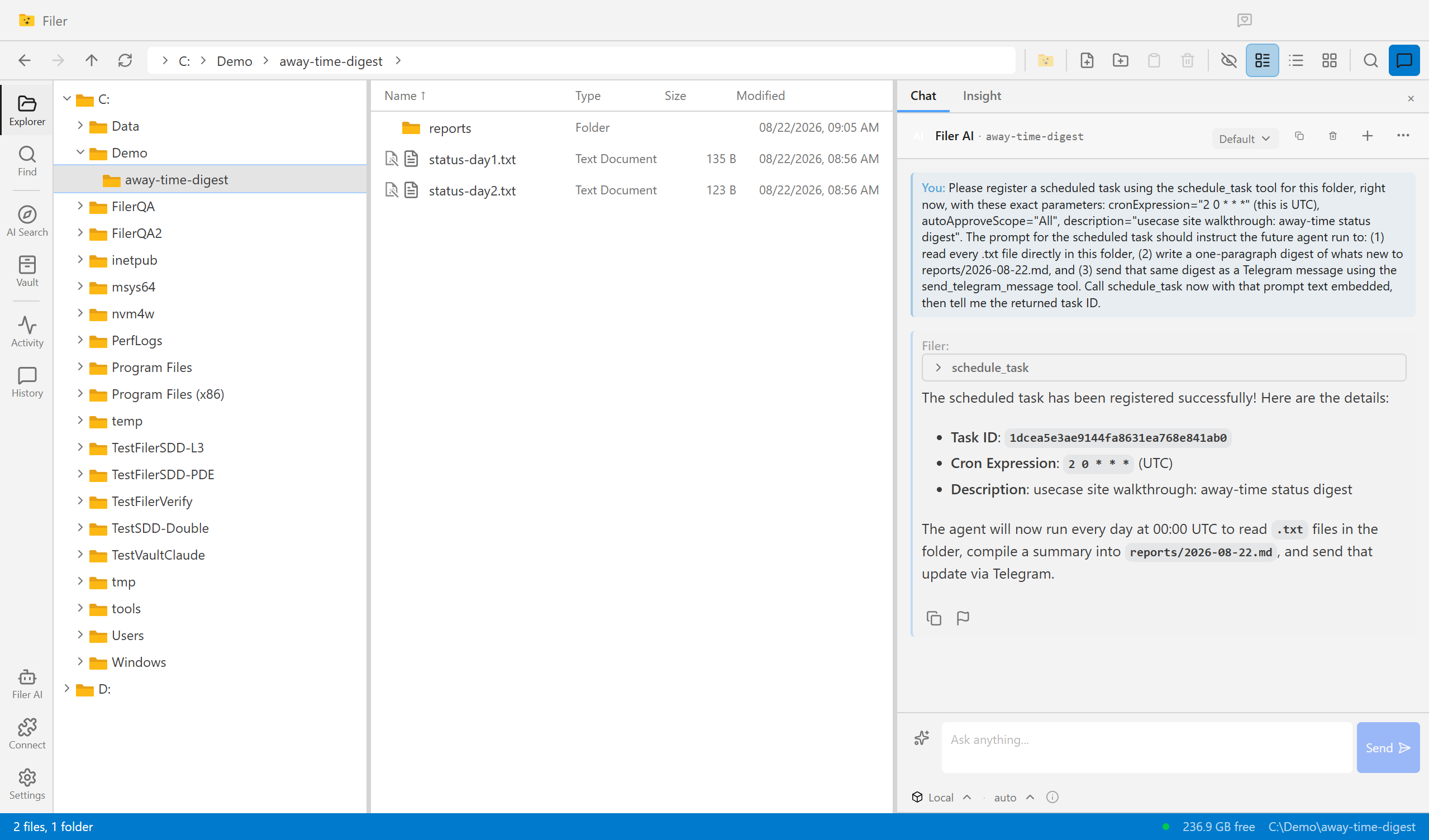
Come Back To an Answer, Not a Backlog
A Filer folder agent wakes up on its own schedule, reads what piled up while you were away, and sends you the digest — before you've even opened the app.
- Schedule
- Chat
Know What Changed, Without Reading It Twice
A Filer folder agent notices the moment a new contract or policy version lands, diffs it against the one it replaces, and sends you what actually changed.
- File event
- Chat