
Filer Usecase
A Three-Level Explanation for Every Paper That Lands in the Folder
A Filer folder reads each research paper you drop in and writes an explanation next to it — for a ten-year-old, an undergraduate and a fellow researcher — plus five key terms and the one question the paper answers. The paper is untouched and nothing is uploaded.
- File event
- Chat
What you get
Papers pile up in a folder faster than they get read — the one from the adjacent field, the one a colleague forwarded, the one you need for a meeting. Understanding each one starts with a search for the background it assumes, and the web tools that promise to explain a paper want it uploaded first and charge by the month.
Point a Filer folder at the pile instead. When a paper lands, the folder's agent reads it whole and writes an explanation beside it in a fixed shape: the question the paper answers in one sentence, a version for a ten-year-old, one for an undergraduate with the paper's own numbers, one for a fellow researcher with its assumptions and admitted limits, and five key terms in plain words. A running index in the folder gets one row per paper. The paper itself is never modified, and with a local model nothing leaves your machine.
How to do it
Screenshots below are from a real run on a public research paper dropped into an empty folder.
What it needs
- A Filer folder on the location where papers land, at Productive or higher — the level a new folder starts at — so the explanation is written without asking
- An inference endpoint for the folder agent — see the note below on what quality depends on
Try it yourself
This one runs on your own files — no sample can stand in for them. Here is what your folder needs:
- An empty folder for your papers
- A research paper as a PDF — the one on this page is "Attention Is All You Need", free to download from arxiv.org (1706.03762); drop it in once the instructions are saved
The folder's instructions
# Papers — a three-level explanation for every paper When a new paper (a .pdf) arrives in this folder: 0. If a file named `<paper name>.explained.md` already exists next to it, do nothing for that paper — it was explained already. Only act on papers that have no explanation yet. 1. Read the whole paper with the tools you have for reading documents. If the document is long and you are shown only part of it, keep reading the rest in parts until you have read it all. Explain only from the text you actually read — not from the title, and not from what you remember about the paper. 2. Write `<paper name>.explained.md` next to it with exactly these sections, in this order: - `# <paper title>` - `## The question this paper answers` — one sentence. - `## For a 10-year-old` — 3 to 5 short paragraphs, no jargon. - `## For an undergraduate` — 4 to 8 paragraphs; name the method and the main result with the paper's own numbers. - `## For a fellow researcher` — 4 to 8 paragraphs; assumptions, what is new versus prior work as the paper states it, limitations the paper admits. - `## Five key terms` — a numbered list of five terms, each with a one-sentence definition in plain words. - `## Note` — one line: "Explanation is based on the extracted text only; equations and figures were not available." If the explanation is long, write it in parts, appending to the same file, rather than in one huge write. 3. Add one row to `index.md` in this folder using the tool for appending a record (columns: paper, title, question, date). Let it create `index.md` with its header row if the file does not exist yet. 4. Never modify the paper file. Never create any other file.
Tell the folder the shape of an explanation
Activate the papers folder as a Filer and write the instruction once: read the whole paper, explain only from what was read, write the explanation next to it with exactly these sections in this order, add one row to the index, and never touch the paper or create anything else. The section list is the whole design — the same instruction works for every paper that follows.
Instruction (excerpt)
When a new paper (a .pdf) arrives in this folder: if <paper name>.explained.md already exists next to it, do nothing for that paper. Read the whole paper with the tools you have for reading documents; if you are shown only part of it, keep reading the rest in parts. Explain only from the text you actually read — not from the title, and not from what you remember about the paper. Write <paper name>.explained.md next to it with exactly these sections, in this order: the paper title; "The question this paper answers" in one sentence; "For a 10-year-old" in 3 to 5 short paragraphs with no jargon; "For an undergraduate" naming the method and the main result with the paper's own numbers; "For a fellow researcher" with assumptions, what is new versus prior work as the paper states it, and the limitations the paper admits; "Five key terms", each with a one-sentence definition in plain words; and a one-line note that the explanation is based on the extracted text only. Add one row to index.md (paper, title, question, date). Never modify the paper. Never create any other file.
A paper lands
A PDF is dropped into the folder. The paper is longer than a single read returns, so the agent lists its sections and reads them one by one, then writes the explanation, adds the index row, and is done: one run, two new files, the paper exactly as it was.
The explanation sits next to the paper
Seven sections, in the order the instruction asked for. The undergraduate version carries the paper's own figures — its benchmark scores, layer counts and training time — and the researcher version names the limitations the paper itself admits. The index has one row: the file, the title, the question, the date.
What this is, and is not
The explanation is built from the paper's extracted text. Equations, figures and tables that exist only as images are not part of what the agent reads, and the note at the end of every explanation says so.
Quality follows the model. Keeping three audiences consistent and quoting a paper's numbers correctly is a reasoning task — a stronger model does it far more reliably than the small bundled one. An explanation is a reading companion, not a substitute for the paper.
The screenshots and outputs on this page come from a real run of Filer, not a mockup.
Where else this applies
Anywhere documents arrive that have to be understood before they can be used fits the same shape:
- A reading-group folder — every member drops the week's paper and gets the same three-level primer.
- A standards or specification archive — each new RFC or spec revision gets a plain-language summary and a "what changed" section instead.
- A due-diligence folder — technical reports and patents get an explanation a non-specialist can act on.
Other ways in
The walkthrough uses a file trigger. The same explanation is one sentence away in chat.
- Right-click
- No right-click action yet — use chat.
- Chat
- No setup needed to ask right now:
"Explain attention-is-all-you-need.pdf at three levels — for a ten-year-old, an undergraduate and a researcher — and list five key terms." - Other automation triggers
- A schedule can sweep the folder nightly for any paper that still has no explanation — the same instruction, a different trigger.
- Other integrations
- Add a messenger plugin and the folder can send you the ten-year-old version when an explanation is ready.
More usecases
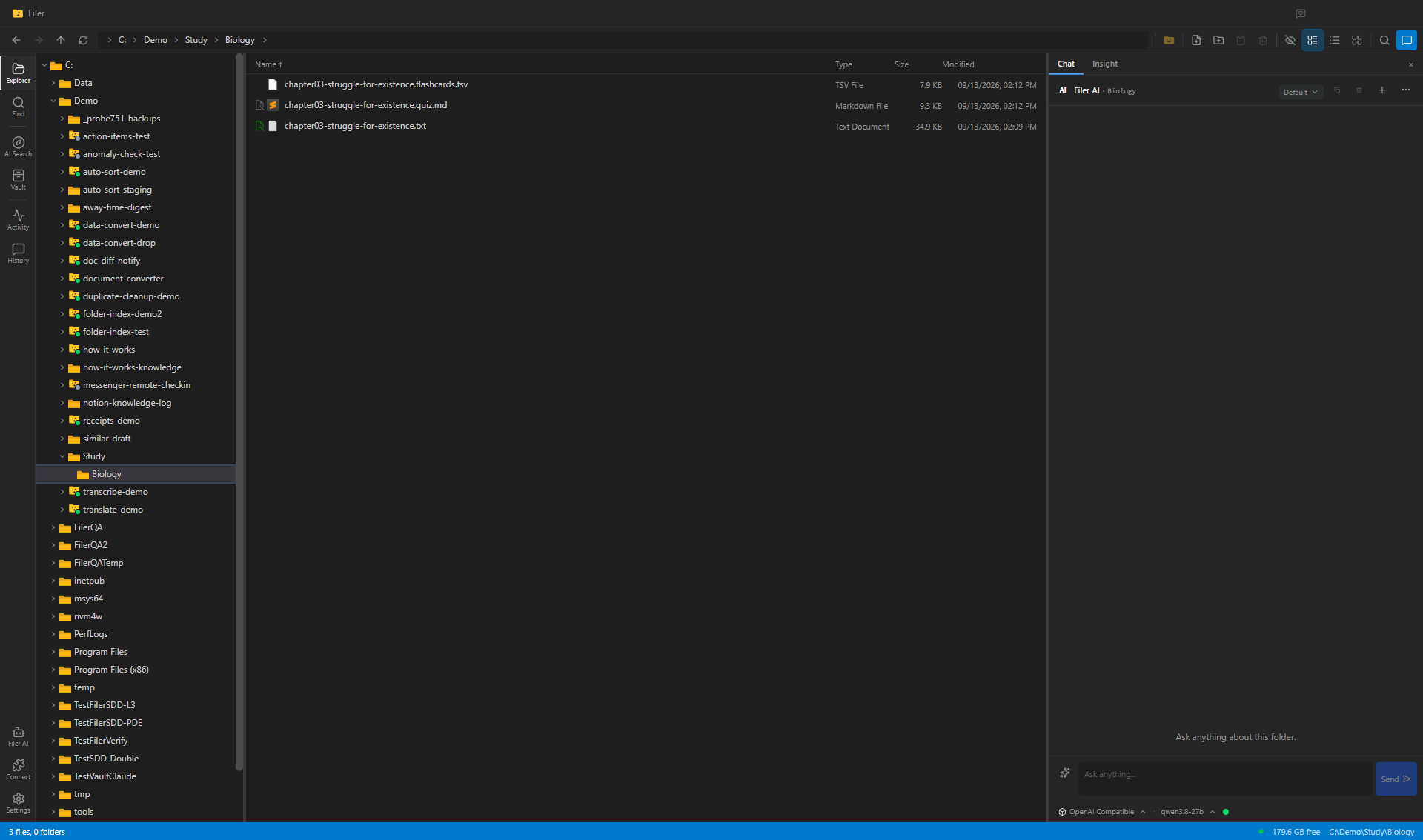
A Study Folder That Writes Its Own Flashcards
A Filer folder agent turns a textbook chapter into study material — drop the chapter into your study folder and a flashcard deck and a quiz sheet appear next to it, every card taken from the text.
- File event
- Chat
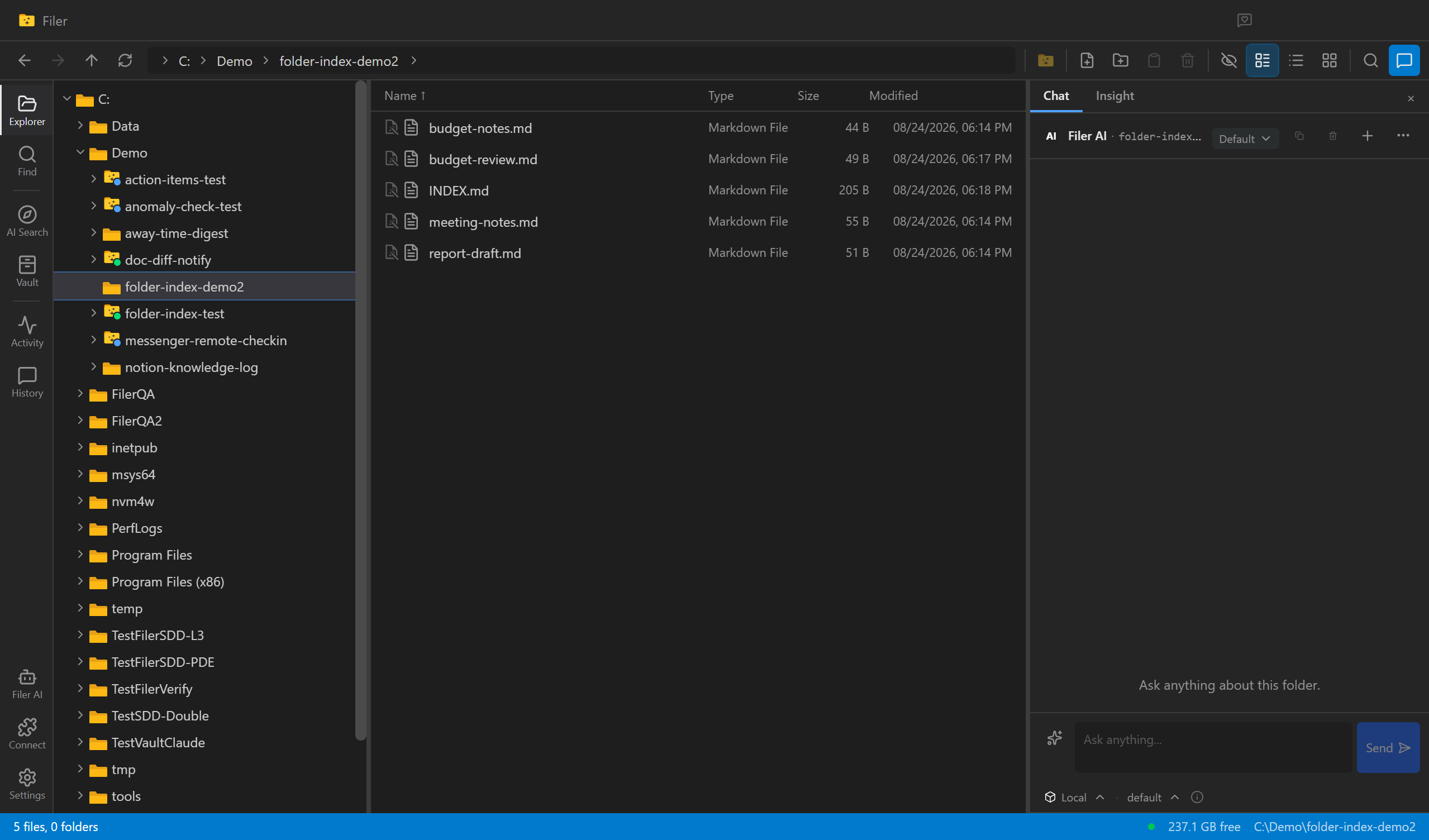
An Index That Never Goes Stale
A Filer folder agent notices when a file is added or changed and rewrites the folder's own INDEX.md to match — nobody has to remember to update it.
- File event
- Chat
- Right-click
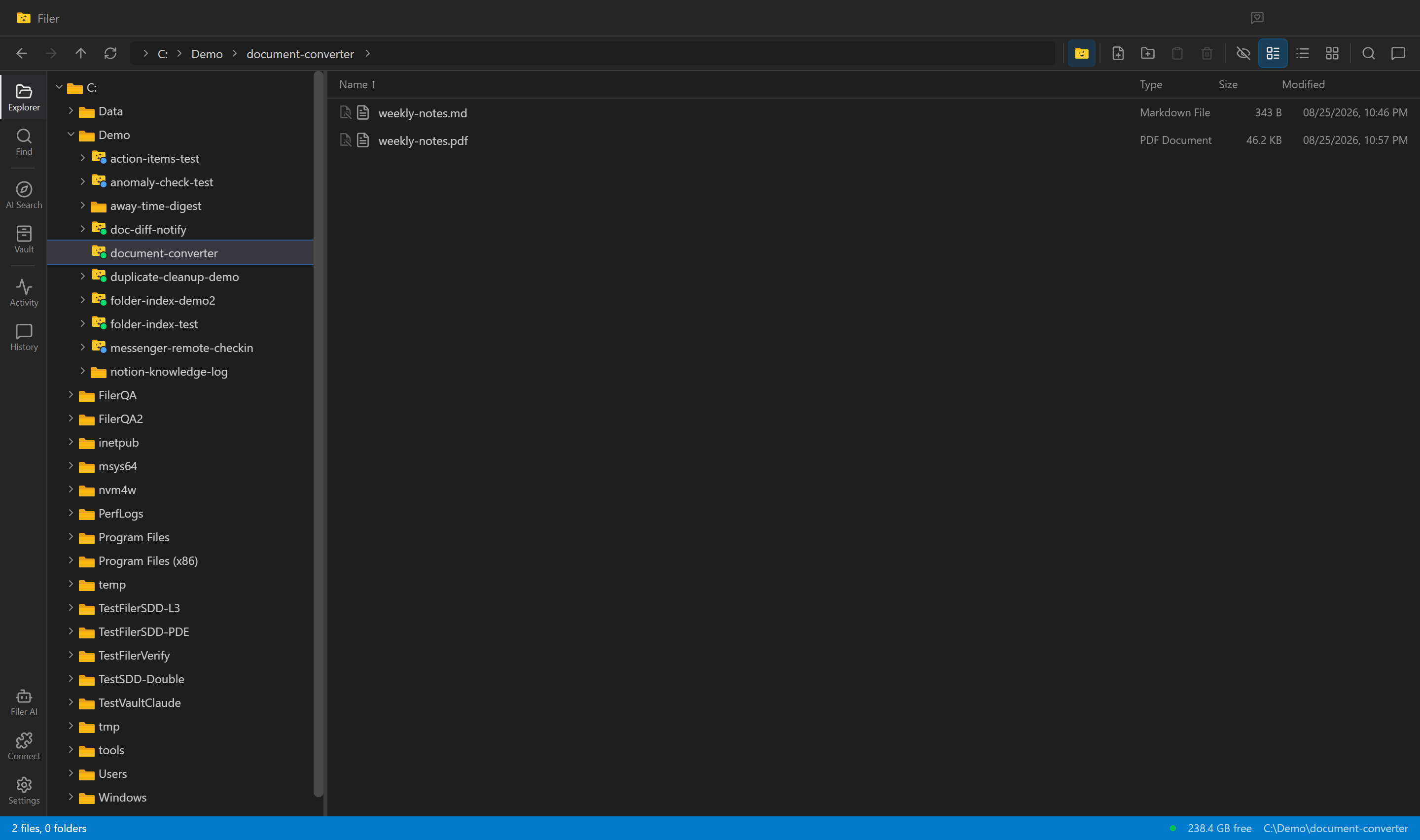
Every New Draft, Already a PDF
A Filer folder agent notices a new document, converts it to PDF on its own, and leaves a clean, shareable file sitting right next to the original.
- File event
- Chat
- Right-click