
Filer Usecase
A Redacted Copy of Every Document That Lands in the Folder
A Filer folder replaces the names, phone numbers, e-mails, addresses, ID and account numbers in a document with typed placeholders — a redacted copy next to the original, the original untouched, nothing uploaded anywhere.
- File event
- Chat
What you get
Before a customer record, a contract copy or a support transcript can go to a partner, a shared drive or an AI service, the personal data in it has to come out. The usual answers are to open each document and hunt by hand, or to upload it to a redaction service — sending the very information you meant to protect to someone else's server first.
Point a Filer folder at the outbound location instead. Its instruction lists the kinds of personal data to replace; when a document lands, the folder's agent writes a redacted copy next to it in which every name, phone number, e-mail, address, ID number, bank account and card number becomes a typed placeholder — the same person gets the same placeholder throughout — plus a small summary of what was replaced, by type and count, that never contains the values themselves. The original is never touched, and with a local model nothing leaves your machine.
How to do it
Screenshots below are from a real run on a synthetic customer-inquiry record — every name, number and address in it is invented — standing in for a real one.
What it needs
- A Filer folder on the location where outbound documents land
- An inference endpoint for the folder agent — a stronger model finds more; see the note below
Try it yourself
Download sample files for this walkthrough and follow the steps below on your own computer.
- your-folder — an empty outbound folder to turn into a Filer
- add-these-later — the synthetic customer-inquiry record (every name, number and address in it is invented)
- instructions.txt — the folder's full instructions, also shown here
The folder's instructions
# Outbound folder — personal data redaction When a new text document (.txt or .md) arrives in this folder: 0. If <basename>.redacted.md already exists next to it, do nothing for that document. Only act on documents that have no redacted copy yet. 1. Read the whole document with the tools you have for reading documents. If a reading tool says the document was truncated or shows only a part, keep reading the rest until you have read every character. Never work from a partial read. 2. Find every occurrence of personal data of these types, and only these types: - NAME — a person's full name (Korean 2–4 syllables such as 김민수, or a Western first + last name). Company, product and place names are not personal names. - PHONE — a phone number in any format (010-1234-5678, 02-555-0100, +82 10 …, (415) 555-0134). - EMAIL — an e-mail address. - ADDRESS — a postal/street address (road name + number, apartment/unit, city). A bare city name alone is not an address. - RRN — a Korean resident registration number (6 digits, hyphen, 7 digits) or a passport number (a letter followed by 8 digits). - ACCOUNT — a bank account number (groups of digits with hyphens, usually 10–14 digits, near words like 계좌/account/bank). - CARD — a payment card number (13–16 digits, possibly grouped by 4). Do not redact: dates, amounts of money, order or invoice numbers, product codes, version numbers, company names, job titles. 3. Write <basename>.redacted.md next to the document: the full original text with every occurrence replaced by a token `[TYPE-n]` — the type from the list above and a number that starts at 1 per type. The same value must get the same token everywhere in the document (김민수 is [NAME-1] every time it appears; a second person is [NAME-2]). Keep everything else exactly as it was: headings, line breaks, punctuation, dates, amounts. If the document is long, write the redacted copy in parts rather than one huge write. 4. Write <basename>.redactions.json next to it: a JSON array with one object per distinct token — {"token": "[NAME-1]", "type": "NAME", "occurrences": 3}. Never put the original value in this file. 5. Never modify the original document. Never create any other file. Never send the content anywhere.
Tell the folder what to replace
Activate the outbound folder as a Filer and write the instruction once: the kinds of personal data to find, the placeholder form, what must stay (dates, amounts, order numbers, company names), and what the agent must never do — change the original, create anything else, or send the content anywhere.
Instruction (excerpt)
When a new text document arrives in this folder: read the whole document with the tools you have for reading documents. Find every occurrence of personal data of these types, and only these types: NAME, PHONE, EMAIL, ADDRESS, RRN (a resident registration or passport number), ACCOUNT, CARD. Do not redact dates, amounts of money, order or invoice numbers, product codes, version numbers, company names, job titles. Write <basename>.redacted.md next to the document: the full original text with every occurrence replaced by a token [TYPE-n]. The same value must get the same token everywhere in the document. Write <basename>.redactions.json next to it with one object per distinct token — its type and how many times it occurred — and never the original value. Never modify the original document. Never create any other file. Never send the content anywhere.
A document lands
A customer-inquiry record is dropped into the folder. The agent reads it, finds the personal data, writes the redacted copy and the summary, and is done — one run, two new files, the original exactly as it was.
The redacted copy sits next to the original
Every name is a numbered
[NAME-n], every phone number a[PHONE-n], and so on; a person mentioned three times is the same[NAME-1]three times. Headings, dates, amounts and order numbers are exactly where they were, so the copy still reads as the document it came from.
What this is, and is not
The folder looks for the types its instruction names — personal names, phone numbers, e-mail addresses, postal addresses, resident-registration and passport numbers, bank account numbers and payment card numbers — and nothing else. Anything outside that list stays as written.
This is not a compliance guarantee. Quality follows the model — a stronger model finds more reliably than the small bundled one — and a redacted copy is a draft for a person to check before it leaves, not a certified document.
The screenshots and outputs on this page come from a real run of Filer, not a mockup.
Where else this applies
Anywhere a document has to leave a boundary with its people taken out fits the same shape:
- A support or sales export folder — customer records go to an analytics partner as redacted copies.
- A research corpus — interview transcripts are anonymised before they reach a shared drive.
- A contract archive — copies for a template library keep the clauses and lose the parties.
Other ways in
The walkthrough uses a file trigger. The same redaction is one sentence away in chat.
- Right-click
- No right-click action yet — use chat.
- Chat
- No setup needed to ask right now:
"Write a redacted copy of customer-inquiries.md — names, phone numbers, e-mails, addresses, ID and account numbers replaced by typed placeholders." - Other automation triggers
- A schedule can sweep the folder nightly for anything that still has no redacted copy — the same instruction, a different trigger.
- Other integrations
- Add a messenger plugin and the folder can tell a channel when a copy is ready.
More usecases
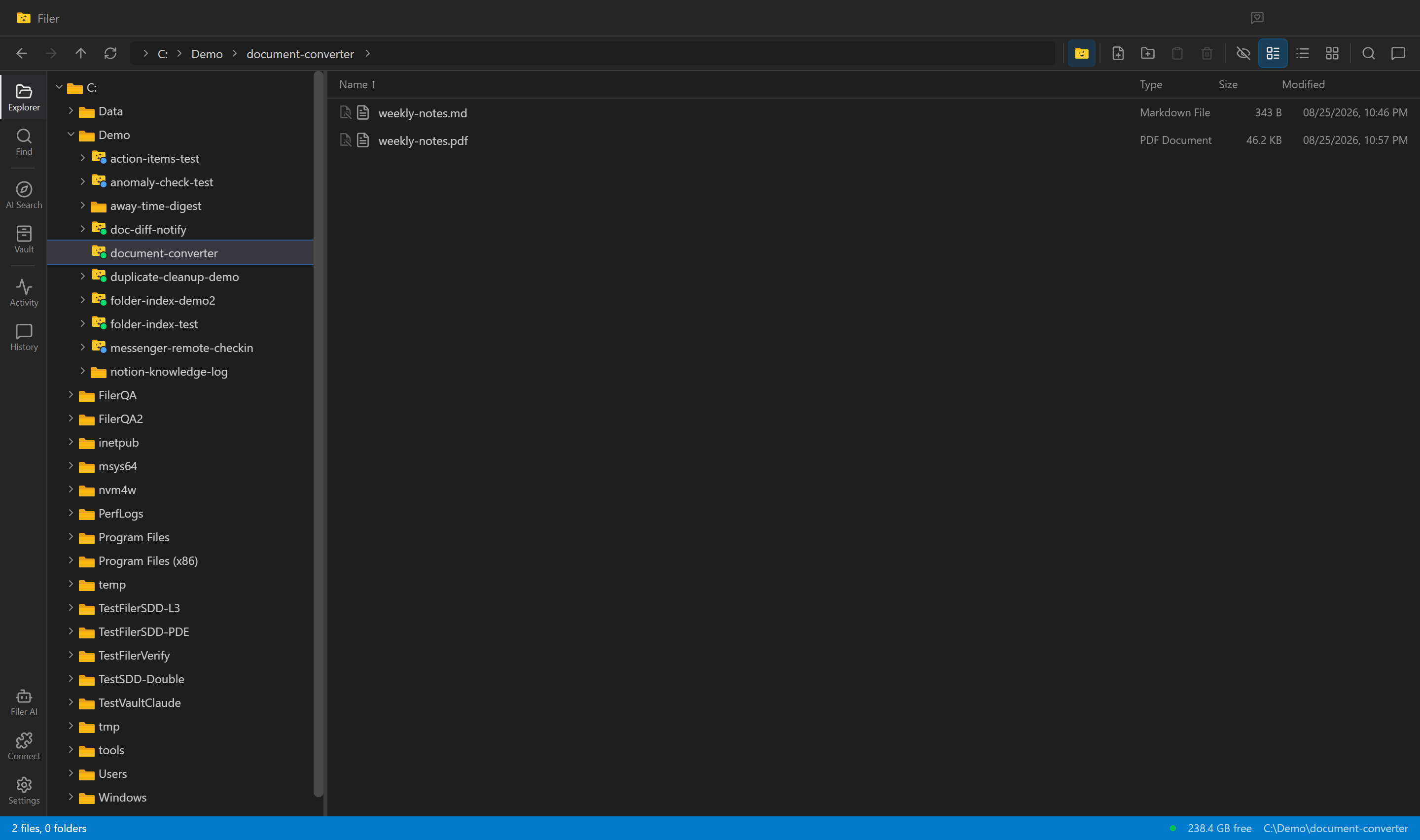
Every New Draft, Already a PDF
A Filer folder agent notices a new document, converts it to PDF on its own, and leaves a clean, shareable file sitting right next to the original.
- File event
- Chat
- Right-click
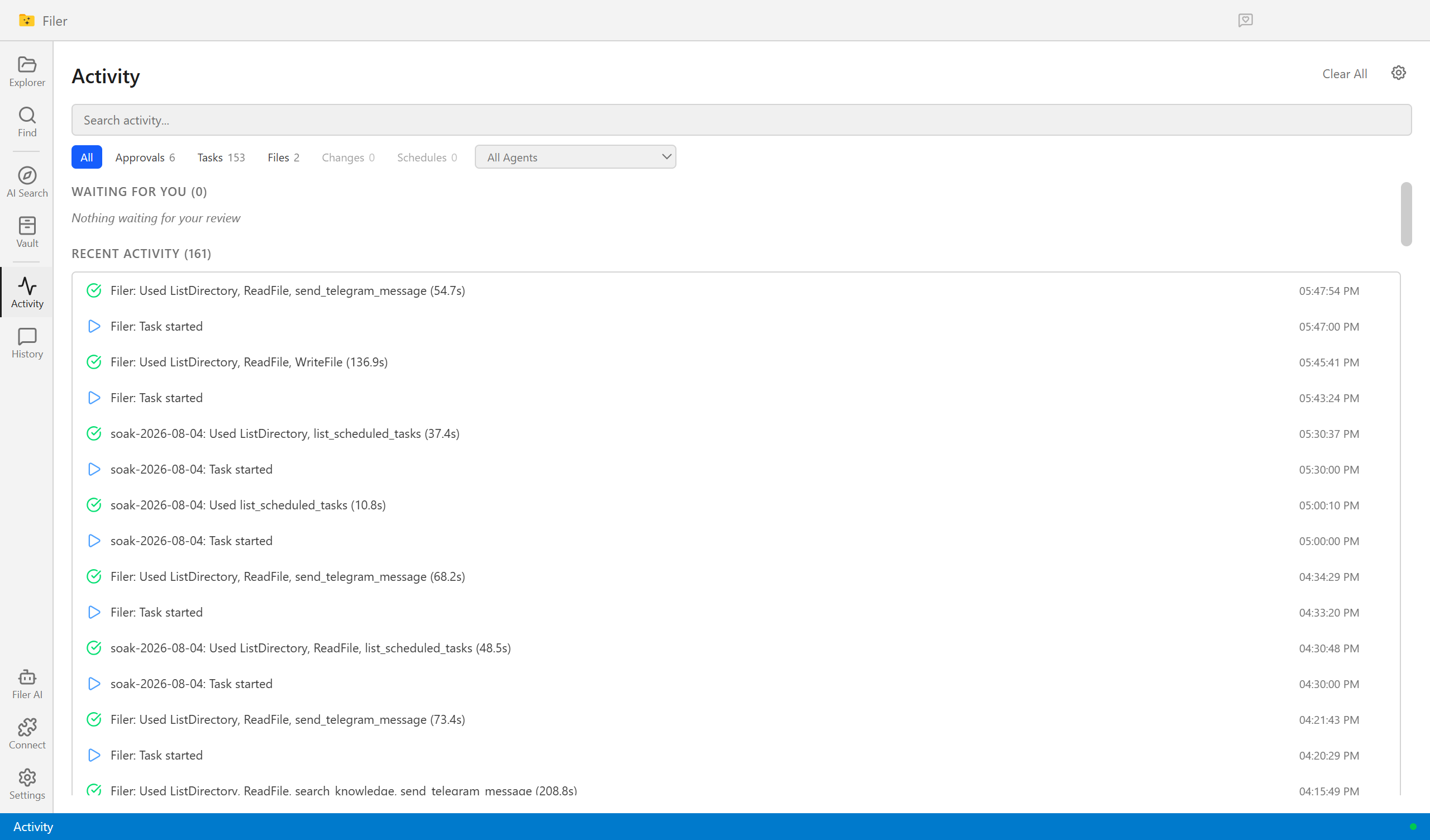
Know What Changed, Without Reading It Twice
A Filer folder agent notices the moment a new contract or policy version lands, diffs it against the one it replaces, and sends you what actually changed.
- File event
- Chat
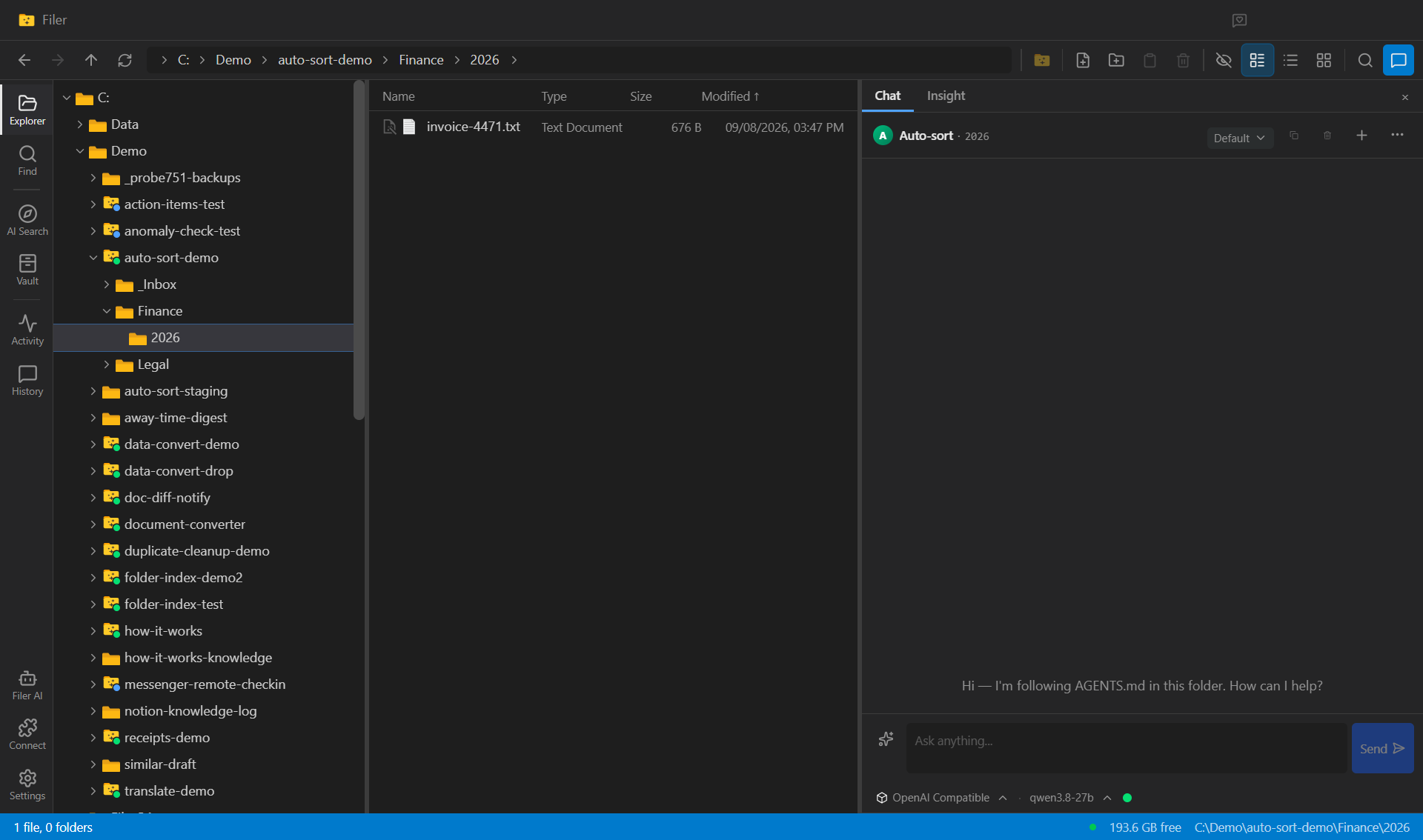
A Folder That Files Its Own Arrivals
A Filer folder agent sorts new documents into the folders you already keep — drop an invoice or a contract into the folder and the agent reads it, decides where it belongs, and moves it there.
- File event
- Chat